

Are you a designer or video editor? Find the best laptop for you!
Do you want to use heavy programs comfortably? Are you doing 3D rendering or editing video motions and time is literally money? Whatever your need is, we will help you find the right laptop!
Size
If you need to have it with you everywhere, then a model with a screen between 13.3” to 14.5” is a good choice.
However, if you work with images and video, that size may be quite limiting, so prefer something larger such as 15” - 15.6” for a balance of comfortable viewing and portability.
Now, if portability is not important to you, you can enjoy the advantages of an even larger screen, from 16” and above.
Processor & RAM Memory
If you are not a professional and are not looking for the fastest possible machine, a latest-generation Core i7 or Ryzen 7 with 32GB RAM are satisfactory options that will handle demanding multitasking.
However, if you are looking for the fastest possible result, it is worth investing in a Core i9 or Ryzen 9 and 32GB or 64GB RAM, for a truly high-performance professional tool that will save you time on heavy tasks.
Graphics card
If your needs involve graphics, video, and motion, then the laptop should have a dedicated graphics card for maximum performance.
Prefer the latest generations of cards from Nvidia and AMD, the RTX 40 & 50 series and RX 7000 & 9000 series respectively. If you want maximum performance and a future-proof laptop, invest in an RTX 4080 & 5080 or an RX 7700 &RX 9700.
Storage
If you store files that take up a lot of space, such as video, prefer a model with at least 1TB of storage.
Don’t forget that you can always get an external SSD to easily carry it with you everywhere.
Screen Resolution & Hz
Prefer at least a QHD (2560x1440) screen, since lower resolutions will not allow you to see a representative result of your work. Finally, there are quite a few models that support 4K resolution for the best possible image, but if it exceeds your budget by a lot, it is good to know that you will not see a huge difference in image quality at the screen sizes laptops offer.
At the same time, the number of Hz indicates the screen’s refresh rate, meaning how many times per second the image you see is refreshed. The higher this number, the smoother motion appears in a video. Prefer a laptop with at least a 120Hz screen for the best performance in your work.
And if I want Apple?
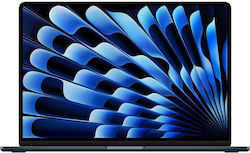
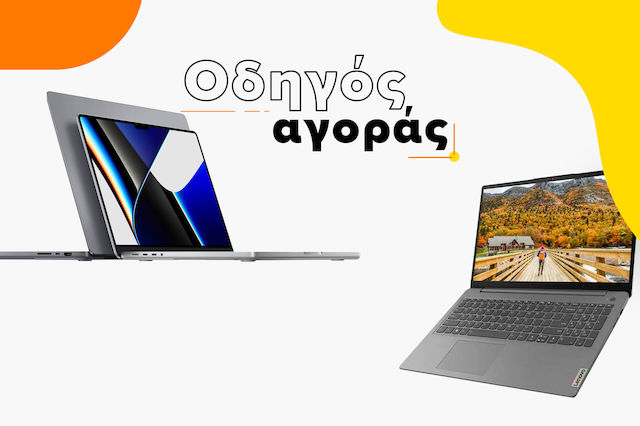
Macbooks are among the most popular choices for video editors and creators, as they offer an excellent display, powerful hardware, and a user-friendly interface to make your life easier.
If you want to do video editing as a hobby, then the Macbook Air series will be sufficient, since unless you plan to do heavy edits all day, you won’t push it to its limits.
If you want to do animations and 3D work, prefer the Pro series, as they offer an exceptionally bright and high-quality display, with an M4 processor for the latest generation.
The best Laptops
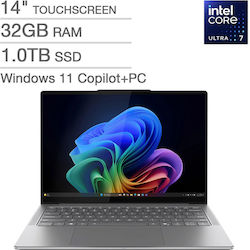
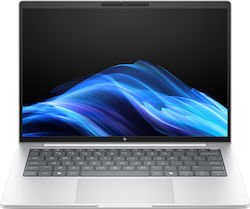
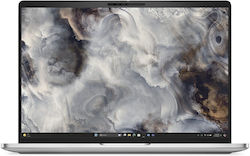
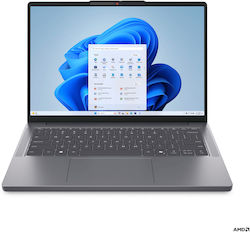
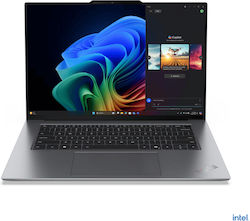
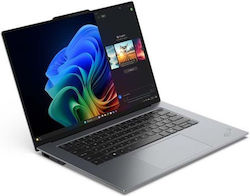
For video editing





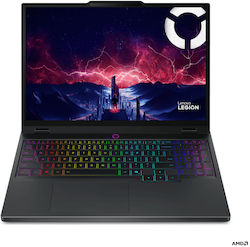
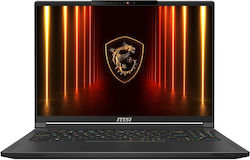
For 3D rendering & Animations


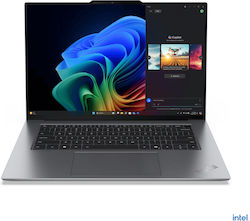
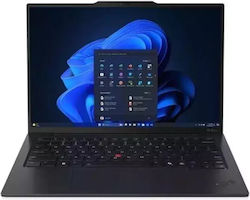

We hope we helped you find the right laptop for your needs!
Read also:
The best laptops for every use!
Relevant Articles
iPad Buying Guide
First information about the screens of Apple's foldable iPhone
MacBook Air M4: Everything We Know So Far!
Be the first to leave a comment!