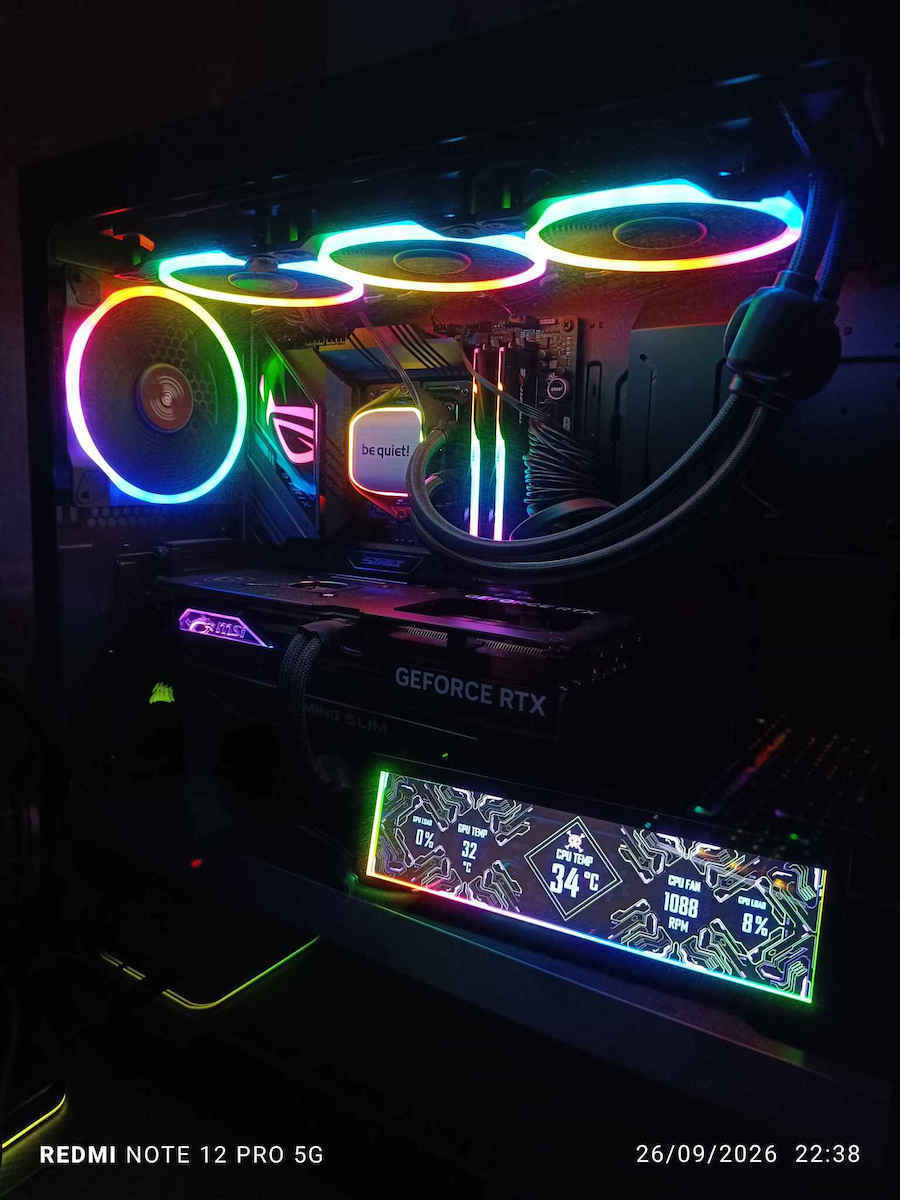
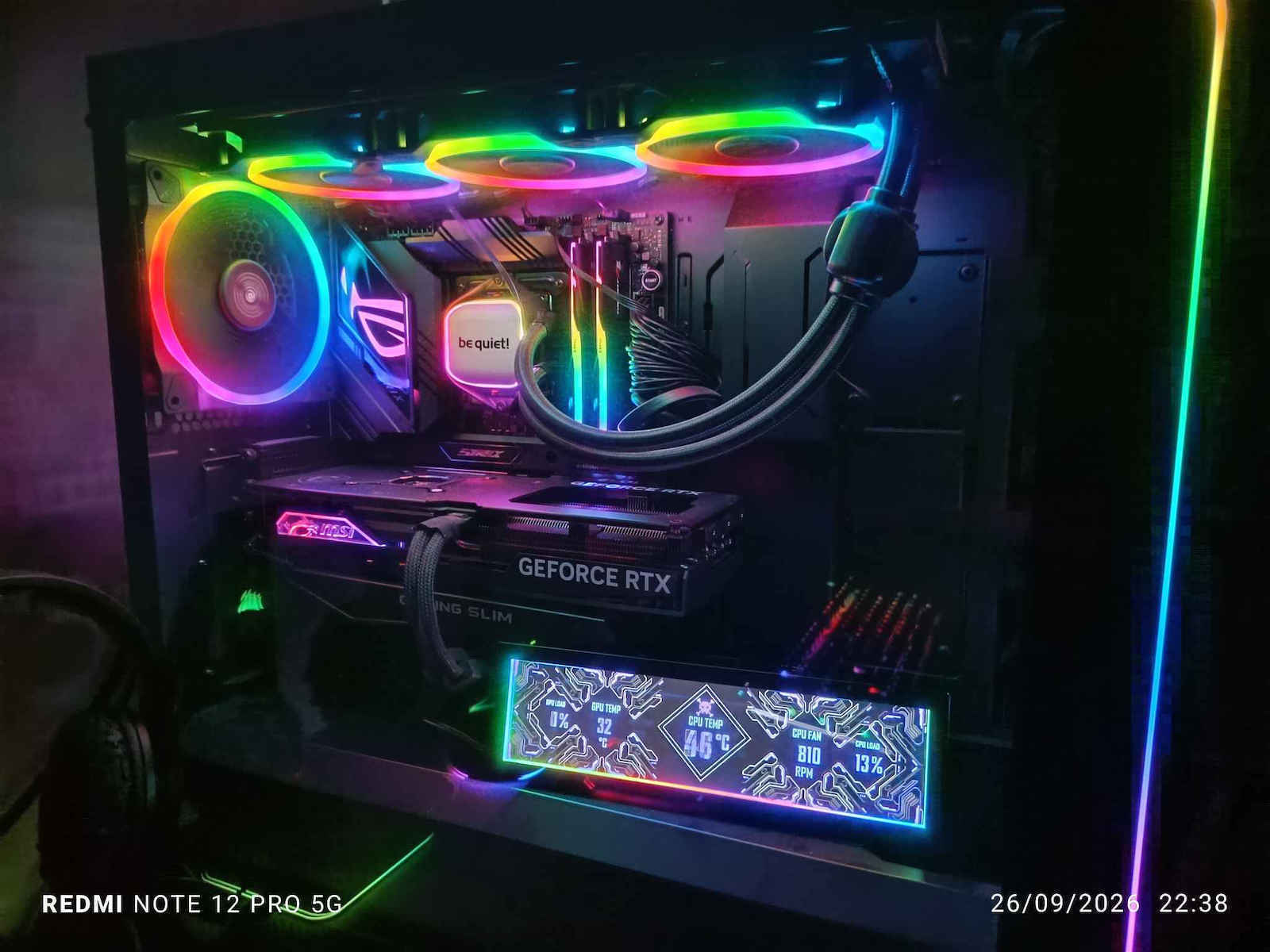
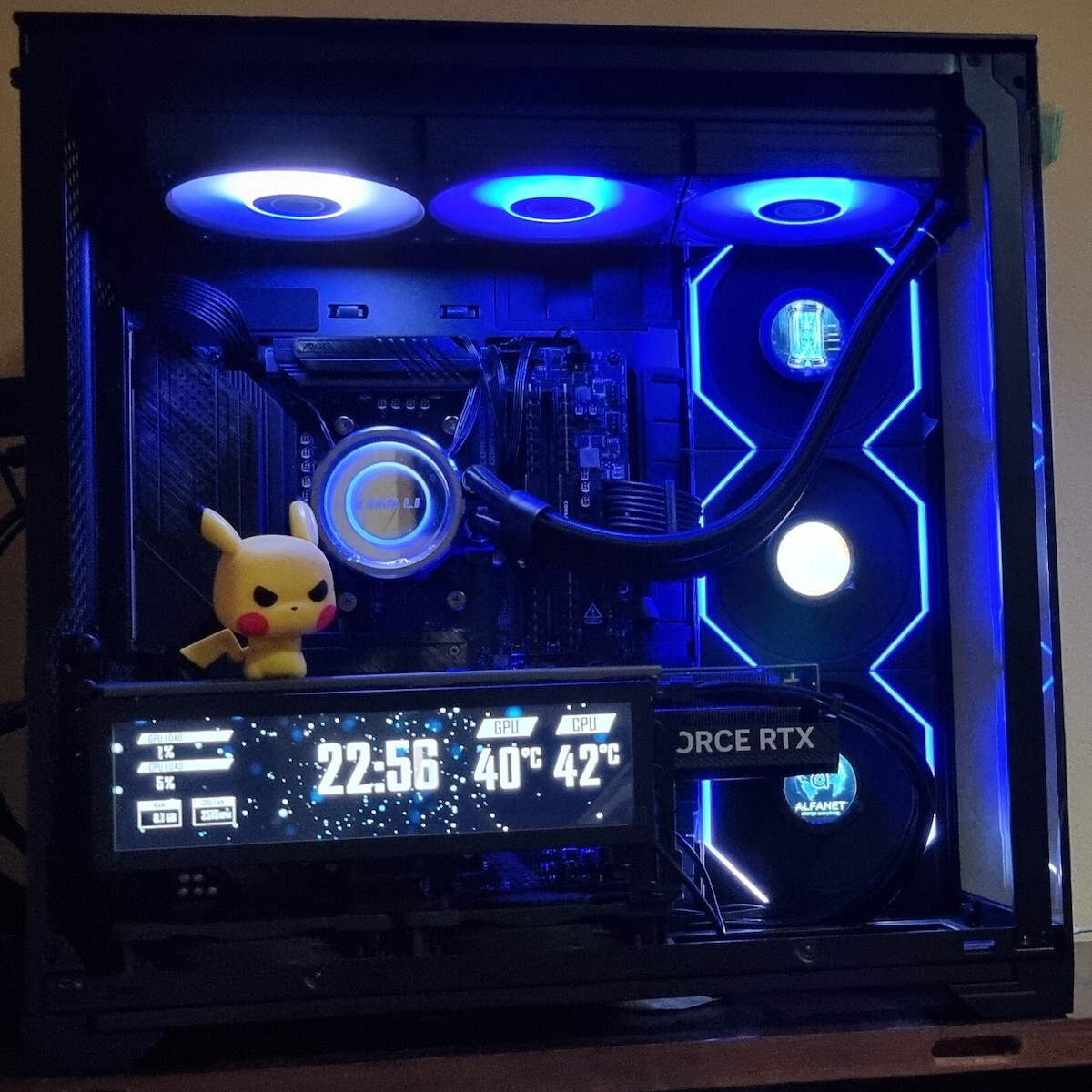
TLDR: A very beautiful and stylish mini LCD screen, easily customizable for the inside of the tower, with its relatively high price being its only drawback. Now, in detail: the screen will fit comfortably in most mid-tower cases, either horizontally or vertically, as it comes with a mount that attaches (screws) either to the front fans or to the liquid cooler, and can be positioned in several different directions depending on the layout you want. The mount can also be used as a simple stand without having to deal with screws, as long as you have room in the case, and it is absolutely stable with no wobble at all. It can also be mounted with the adhesive strips, but I don’t recommend this because it won’t be easy to reposition, and if it’s near a heat source, it might come unstuck. Connecting it is very easy, with a 9-pin cable that plugs either into the motherboard’s USB headers or, using a USB extension cable, into a free port on the back. The good thing is that it doesn’t take up a GPU port and doesn’t require direct power from the PSU, since everything is handled through its connection to the motherboard. It requires Lian Li L3 Connect software, and if it still isn’t recognized, perhaps an additional program, which is already installed on most Windows 11 systems. Through the program, you can use it as an extra monitor or load the ready-made themes displaying CPU and GPU metrics. Unfortunately, there aren’t many preinstalled themes, but you can download countless more, even from Lian Li’s Discord, and customize them however you like. For large cases with lots of empty space in the setup, it will greatly enhance the tower’s appearance. Happy shopping.




Be the first to leave a comment!