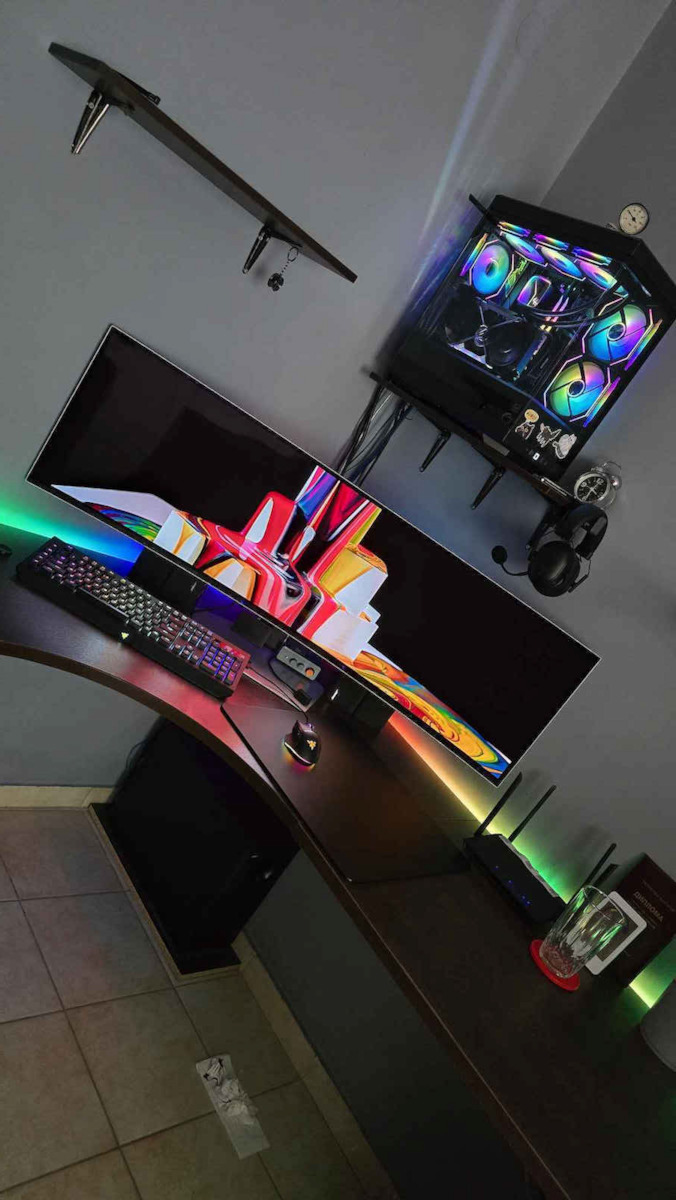
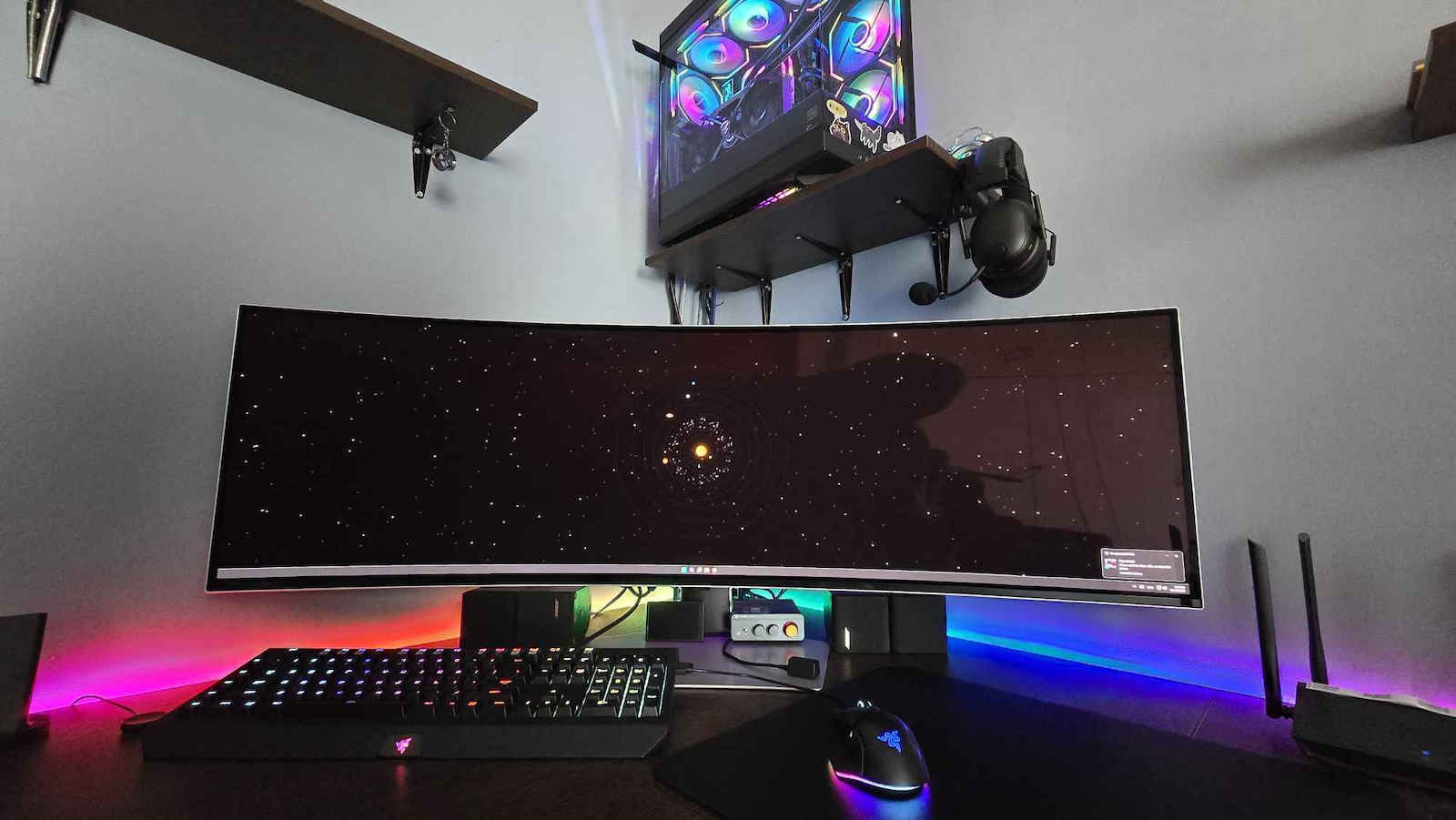
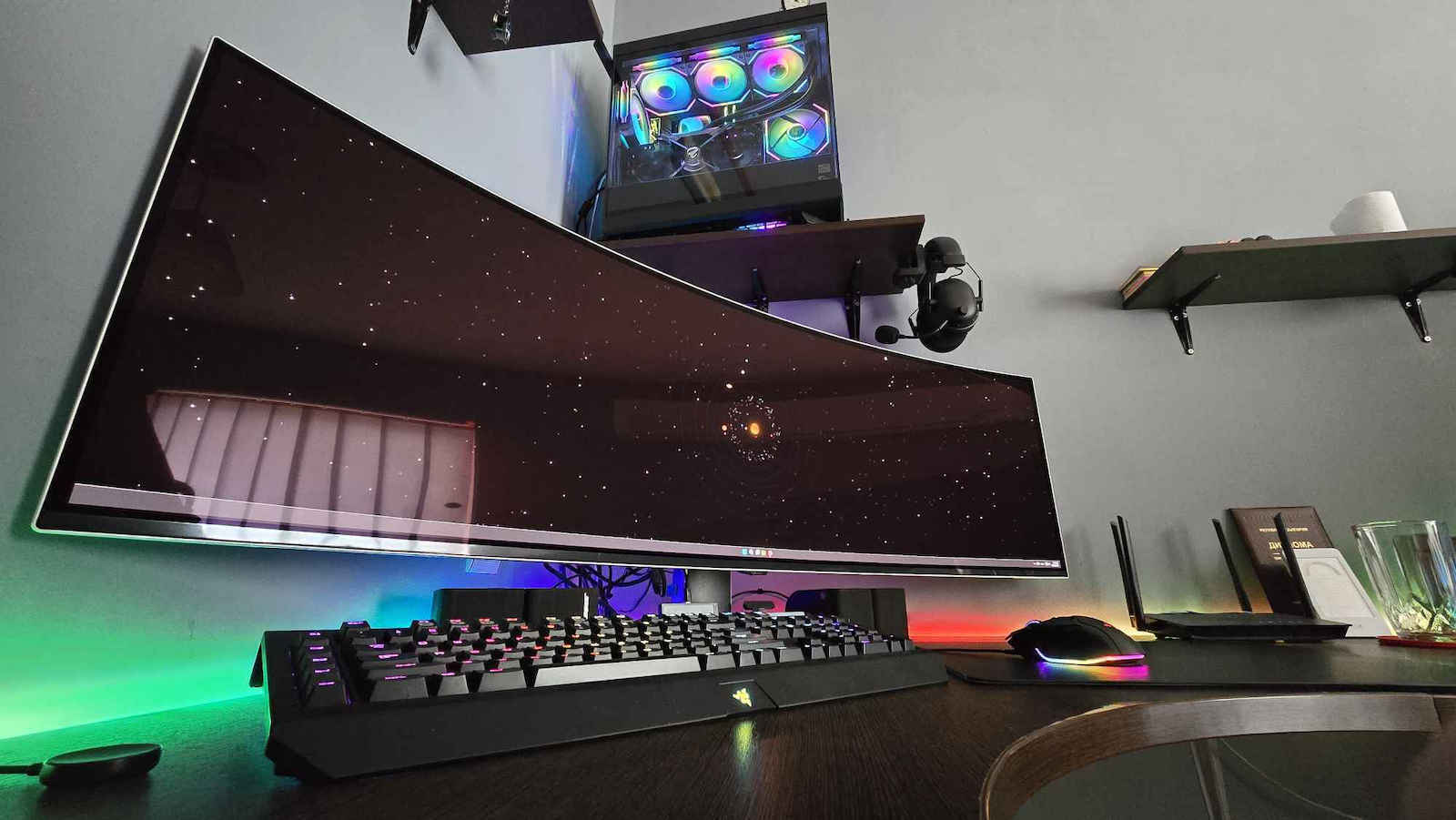
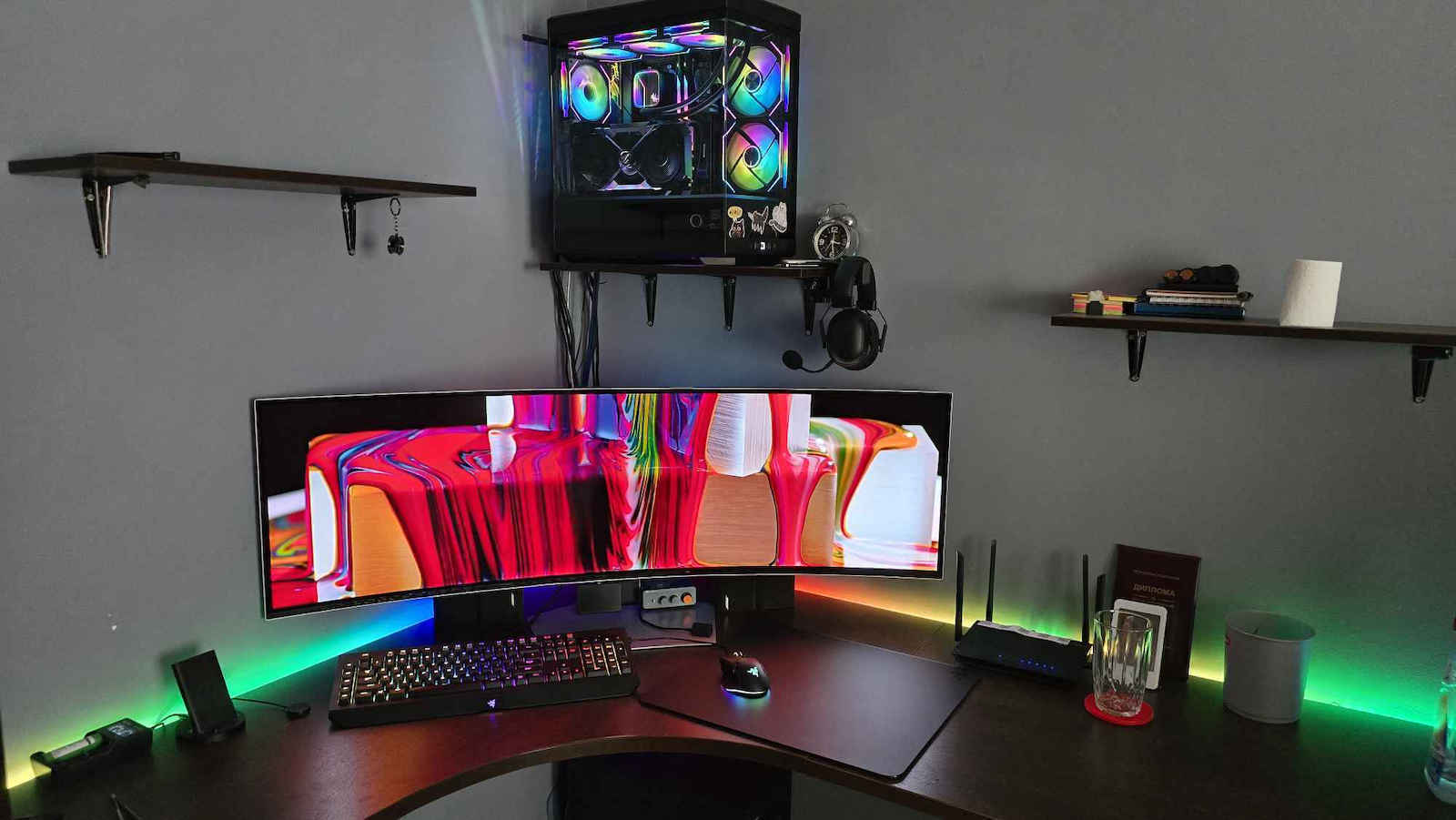
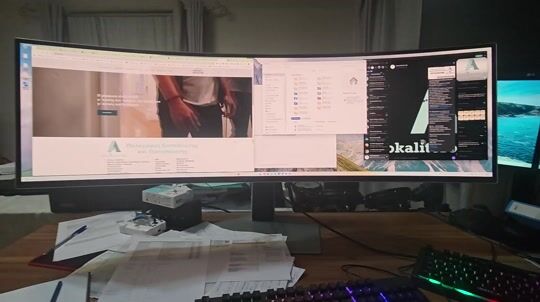
Although its price is very steep, I admit that I am ecstatic in front of it. One must get used to it first and overcome the awkward changes at the beginning.
- HDR: It takes time to get used to it and it definitely needs to be adjusted. In my case, the screen is very bright and the dark spots are missing, as if it is overly bright to the point of being washed out for no reason, just like that. Edit 27-11-2024: fixed with additional adjustment.
- Ultra Wide: Maximized windows are just laughable, as they fill in height, but in width, 1/4 on the left and right is black. It partially saves the situation in Windows 11, when by hovering over the button next to minimize, it gives you additional layout options. The result of looking from far left to far right to close the window is concerning.
- Contrast/Color: Excessive to the point of being problematic for vision. If brightness/color adjustments are not made from the screen settings, it is difficult for anyone to get used to it. Edit 27-11-2024: fixed with additional adjustment.
- Menu: After the last update, it offers sufficient options, but the control button is a big problem, as it is located behind the screen and is not convenient at all, while its handling is not good either, as it "misses" very often. On the plus side, it has options for screen protection from permanent ghosting. Edit 27-11-2024: I am forced to turn it off with stand-by only, resulting in it turning on unnecessarily when I connect with Remote. For on-demand shutdown, I have created a script with Shortcut Keys.
- Gaming: Coming from 2x27" at 1080p, the shift to 2x1440p HDR is a challenge for my graphics card. With an NVidia RTX 3060 12 GB, it reached its limits in Forza Motorsport 2023 (memory shortage), while the only way to achieve a speed of about 30 fps is to spend hours in the settings and combine it with Lossless Scaling for assistance. The color output personally did not appeal to me in HDR, but that was adjusted as well. Less problematic are the EA WRC where Lossless Scaling helps quite a bit, and F1 24, although it is quite well adjusted, needs help, but not from Lossless Scaling. To record with OBS after activating Lossless Scaling, I needed a profile for Game recording, Lossless Scaling window option, and cropping the source 1280 left and 1280 right, while for SDR I added an SDR Tone mapping filter during recording.
If anything changes, I will add accordingly to my review.
Αν και πάρα πολύ τσιμπημένη η τιμή της, ομολογώ ότι βρίσκομαι εκστασιασμένος μπροστά της. Πρέπει να τη συνηθίσει καποιος πρώτα και να ξεπεράσει τις άβολες αλλαγές στην αρχή.
- HDR: Θέλει καιρό να το συνηθίσει καποιος και σίγουρα πρέπει να ρυθμιστεί. Στη δική μου περίπτωση είναι πολύ φωτεινή η οθόνη και λείπουν τα σκοτεινά σημεία, σα να είναι υπερφωτεινή στο μέτρο του ξεπλυμένου χωρίς λόγο, ένα πράμα.
Edit 27-11-2024: διορθώθηκε με επιπλέον ρύθμιση
- Ultra Wide: Τα παράθυρα σε μεγιστοποίηση είναι απλά να γελάς, καθώς γεμίζουν στο ύψος, αλλά στο πλάτος το 1/4 αριστερά και δεξιά είναι μαύρο. Σώζει μερικώς την κατάσταση στα Windows 11, όταν με παραμονή στο κουμπί δίπλα από την ελαχιστοποίηση σου δίνει πρόσθετες επιλογές διάταξης. Το αποτέλεσμα να κοιτάς από τέρμα αριστερά σε τέρμα δεξιά να κλείσεις το παράθυρο προβληματίζει.
- Αντίθεση/Χρώμα: Υπερβολικά σε σημείο να προβληματίζουν την όραση. Εάν δεν γίνει ρύθμιση σε επίπεδο φωτεινότητας/χρώματος από τις ρυθμίσεις της οθόνης, είναι δύσκολο να το συνηθίσει κανείς. Edit 27-11-2024: διορθώθηκε με επιπλέον ρύθμιση
- Μενού: Μετά από την τελευταία αναβάθμιση που έγινε προσφέρει επαρκείς επιλογές, αλλά το κουμπί χειριστήριο είναι μεγάλο πρόβλημα, καθώς βρίσκεται από πίσω από την οθόνη και δεν βολεύει καθόλου, ενώ δεν είναι και καλός ο χειρισμός του, αφού "αστοχεί" πάρα πολύ συχνά. Στα συν ότι έχει επιλογές προστασίας της οθόνης από μόνιμα είδωλα.
Edit 27-11-2024: αναγκαστικά την κλείνω με stand-by μόνο, με αποτέλεσμα όταν συνδέομαι με Remote να ανοίγει ανώφελα. Για on-demand απενεργοποίηση έχω φτιάξει script με Shortcut Keys.
- Παιχνίδια: Προερχόμενος από 2x27" στα 1080p, η μεταβολή στα 2x1440p HDR είναι πρόκληση για την κάρτα γραφικών μου. Με μια NVidia RTX 3060 12 GB, έφτασε στα όριά του του Forza Motorsport 2023 (ανεπάρκεια μνήμης), ενώ ο μόνος τρόπος για ταχύτητα περίπου στα 30 fps, είναι να περάσεις ώρες στις ρυθμίσεις και να συνδυάσεις με το Lossless Scaling για βοήθεια. Το δε χρωματικό αποτέλεσμα εμένα προσωπικά δεν μου άρεσε σε HDR, αλλά ρυθμίστηκε και αυτό τελικά. Λιγότερο προβληματικά τα EA WRC που και εκεί το Lossless Scaling βοηθάει αρκετά και το F1 24 αν και είναι αρκετά καλά ρυθμισμένο, χρειάζεται βοήθεια, αλλά όχι από το Lossless Scaling. Για να γίνει εγγραφή με OBS αφού ενεργοποιηθεί το Lossless Scaling, χρειάστηκα προφίλ για εγγραφή Game, επιλογή παραθύρου Lossless Scaling και cropping της πηγής 1280 αριστερά και 1280 δεξιά, ενώ για SDR πρόσθεσα φίλτρο SDR Tone mapping κατά την εγγραφή.
Εάν αλλάξει κάτι, θα προσθέσω αντίστοιχα στην αξιολόγησή μου.






Be the first to leave a comment!