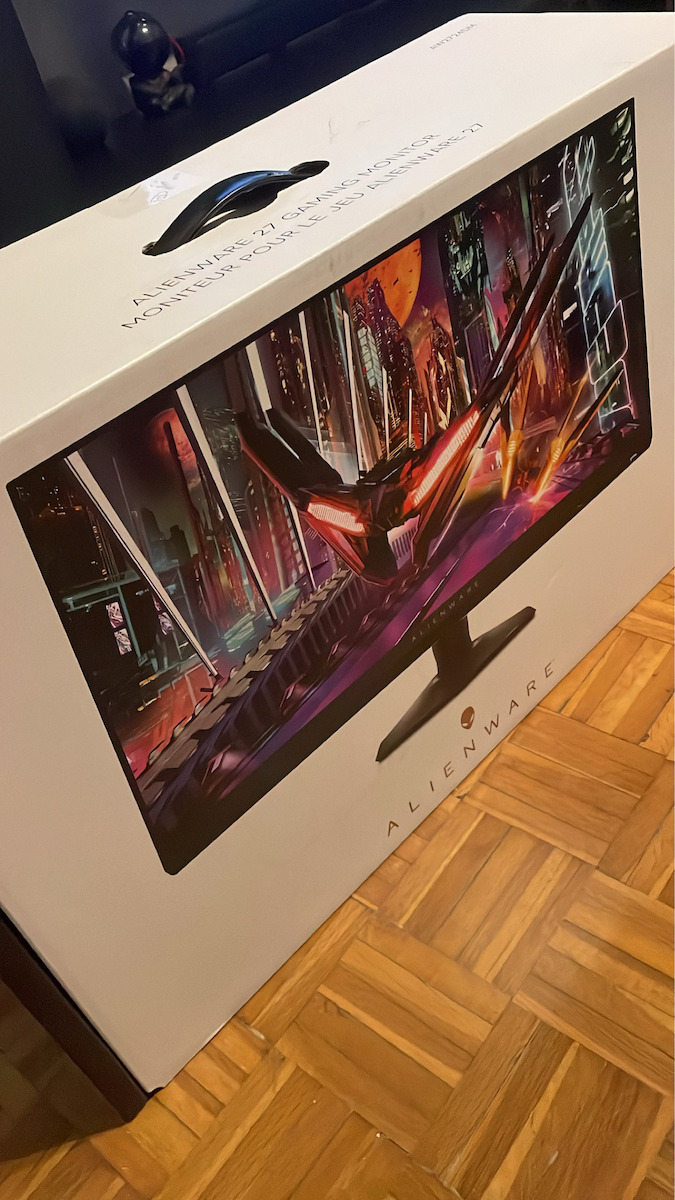
Ξεκινώντας να αναφέρω ότι είμαι κάτοχος της συγκεκριμένης οθόνης για μία βδομάδα.
Την οθόνη να πω ότι την αγόρασα για gaming αλλά και για καθημερινή χρήση και για να τη συνδυάσω με μια Dell S2722QC IPS 4K (για την οποία έχω εκφράσει την κριτική μου). Λόγω budget αλλά και λόγω του ότι δε θα τη χρησιμοποιούσα αποκλειστικά μόνο για gaming δεν επέλεξα να πάω σε OLED ή mini-LED. Σαν απόδοση εξυπακούεται ότι είναι πολύ καλύτερα όλα τα OLED panels, αλλά ανάλογα το μοντέλο και τα χαρακτηριστικά τους ξεφεύγουν σε τιμή και επίσης έχουν και τον κίνδυνο με το burn-in, πάρα το γεγονός ότι χρόνο με τον χρόνο βελτιώνονται οι υλοποιήσεις των panels, οπότε μειώνεται σταδιακά το πρόβλημα.
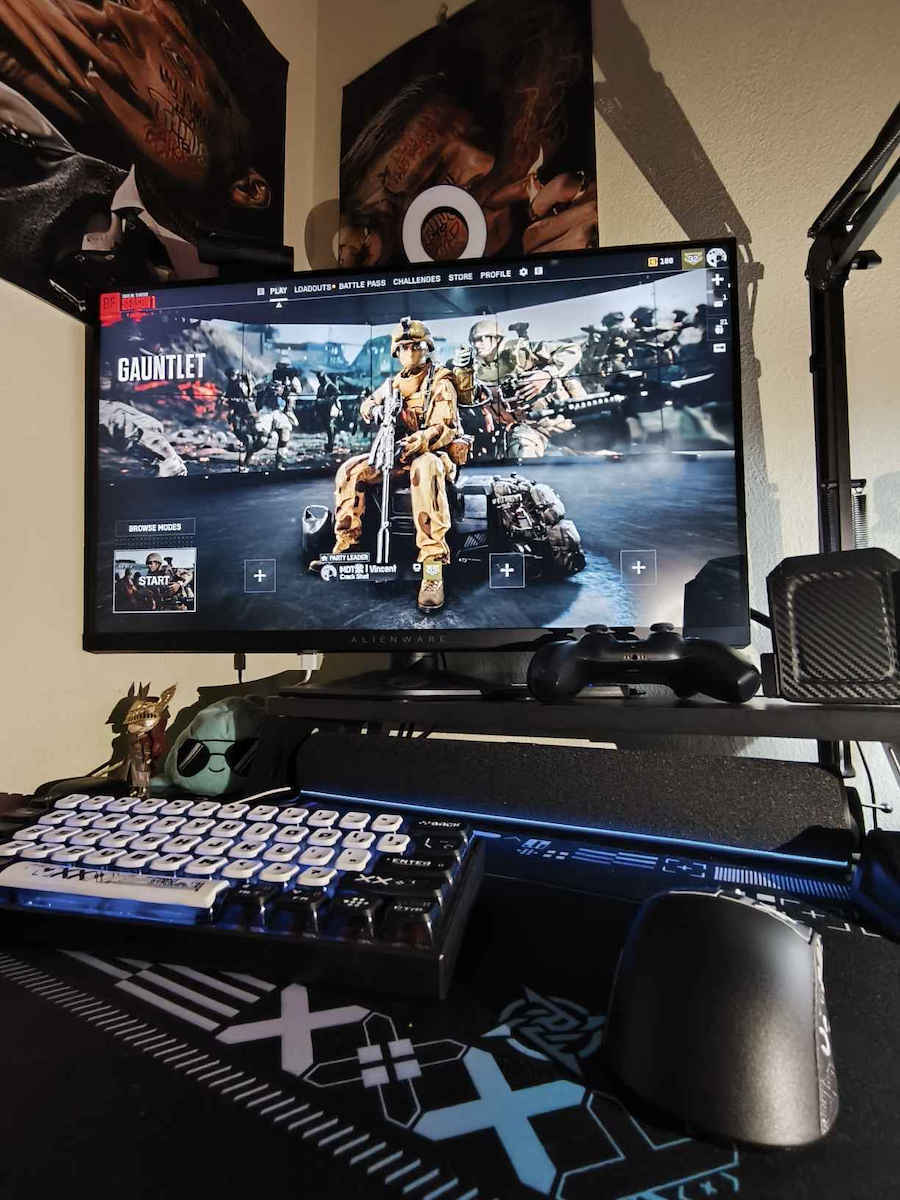
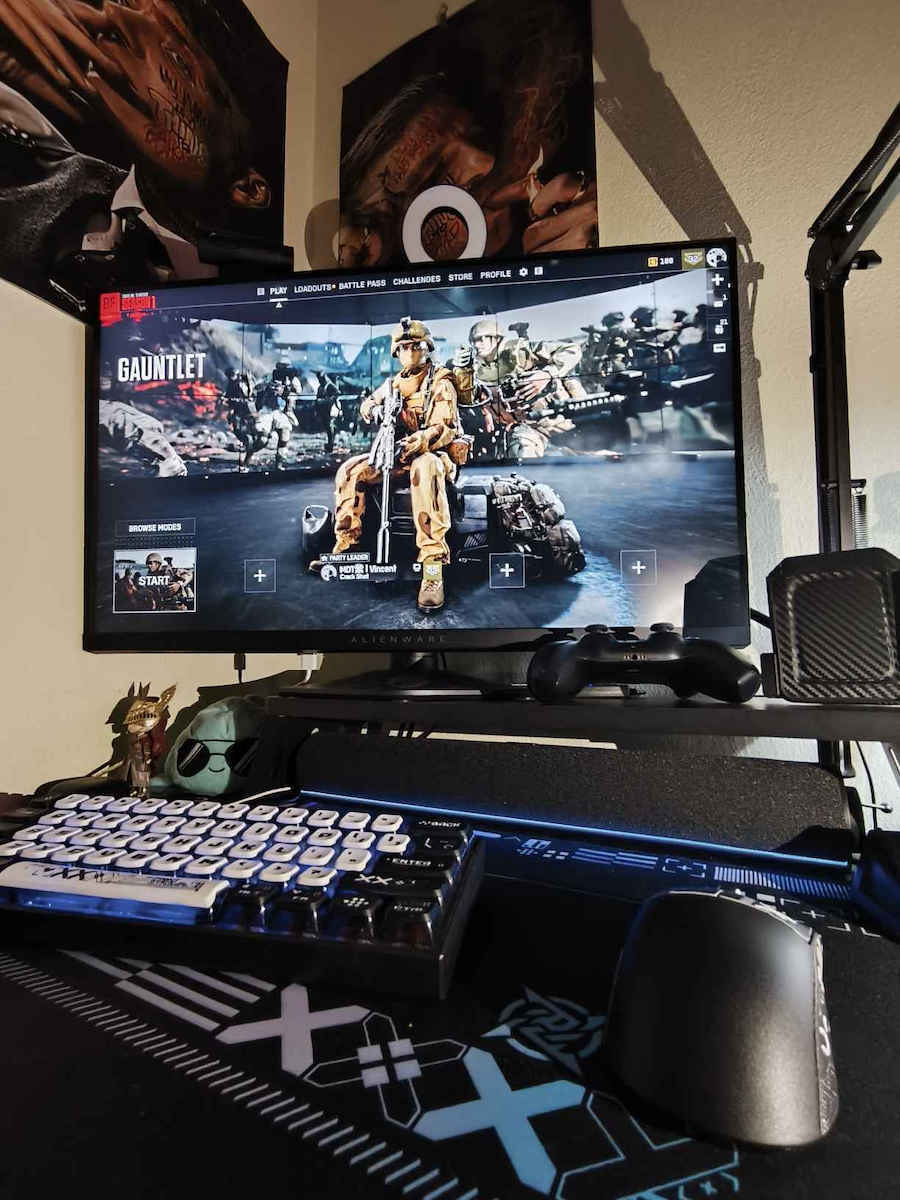
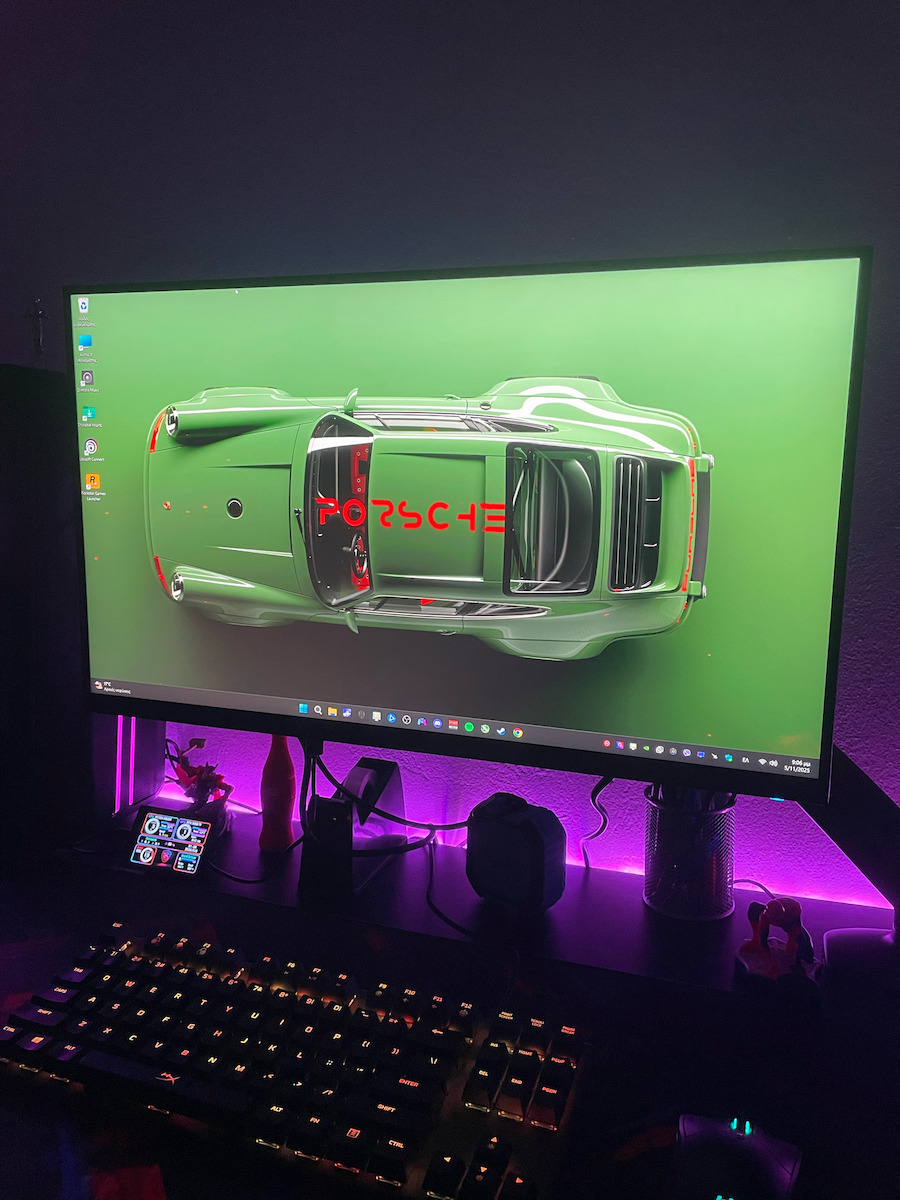
Στα της οθόνης πιο συγκεκριμένα. Να πούμε ότι σαν ποιότητα κατασκευής είναι πολύ καλή (όπως και το πλήθος των Dell οθονών), η βάση της έχει τη δυνατότητα για όλες της κινήσεις ως προς την προσαρμογή όπως περιστροφή, tilt και διαχείριση ύψους. Διαθέτει δύο logo φωτιζόμενα στην πίσω πλευρά και γύρω από το button για power on/off. Ως, προς τις θύρες διαθέτει 2 Χ DisplayPort v1.4,
1 Χ HDMI v2.1 (το οποίο είναι v2.1 αλλά για το VRR, κανονικά θα έπρεπε να λέγεται v2.0 βάσει το bandwidth που μπορεί να διαχειριστεί), 1 Χ USB Type-B 3.2 GEN 1 (upstream) για να δουλέψει ως HUB για τα 2 Χ USB Type-A 3.2 GEN 1 (downstream) και ΔΕΝ έχει κάποιο audio output. Συνεπώς, δε μπορείτε να συνδέσετε κάποια συσκευή ήχου πάνω στην οθόνη. Τέλος, στη συσκευασία υπάρχουν DisplayPort v1.4 2Μ, USB-C σε DisplayPort 1Μ και USB Type-B 2M.
Από πλευράς διαστάσεων και ανάλυσης είναι ιδανικές οι 27’’ ίντσες μαζί με το 1440p (QHD). Αν θέλετε μεγαλύτερη οθόνη για κοντά, ίσως είναι καλύτερο κατά τη γνώμη μου να πάτε σε κάποια Ultra-Wide ή 4K, για να υπάρχουν παραπάνω pixels και να ναι πιο ευκρινές αυτό που βλέπετε χωρίς να “πιξελιάζει” στις λεπτομέρειες.
Στο κομμάτι των Hz και του response time τα 165Hz με το 1ms κάνουν πολύ καλά τη δουλειά τους και καταλαβαίνεις τη διαφορά σε gaming. Επιπρόσθετα, σε gaming έχει τη δυνατότητα για αυτόματο overclock εφόσον το επιλέξετε, που πηγαίνει στα 180Hz. Ακόμη, υποστηρίζει κανονικά NVIDIA G-SYNC και AMD FreeSync Premium Pro.
Τα χρώματα out of the box είναι μια χαρά αλλά πάντα με calibration θα πάρετε τα ιδεατά αποτελέσματα για το panel που έχετε. Εδώ δεν είναι αναγκαίο πάντως.
Ταυτόχρονα, το HDR (HDR10 – DisplayHDR 600) παρά ότι δεν είναι επιπέδου HDR10+ ή Dolby Vision και δε φτάνει σε υλοποιήσεις των OLED panels (π.χ. QD-OLED, WOLED) είναι πολύ αξιόλογο και κάνει τη διαφορά (π.χ. στη δική μου περίπτωση που η S2722QC διαθέτει απλό HDR400, η διαφορά στην φωτεινότητα, ζωντάνια και εύρος των χρωμάτων είναι εμφανής και το απολαμβάνεις ευχάριστα).
Ωστόσο σε Windows για να μπορέσετε να πάρετε αυτό το αποτέλεσμα θα πρέπει μέσα από τις ρυθμίσεις να πάτε "Display Settings - Brightness and color - Use HDR" και μέσα σε αυτό να επιλέξετε και το SDR content Brightness στο 100%. Αρχικά είναι στο 40%. Το πρόβλημα που προκύπτει όταν ενεργοποιείται το HDR μέσα από τις ρυθμίσεις της οθόνης η φωτεινότητα είναι πολύ χαμηλή, όπως και τα χρώματα δεν είναι ζωντανά. Αυτό συμβαίνει γιατί όταν δεν υπάρχει κάποιο λευκό background, το περιεχόμενο που προβάλλεται ρυθμίζεται με βάση το SDR (Standard Dynamic Range) κάτι που δεν το θέλουμε. Αυτό θα χρειαστεί να το κάνετε για όποια οθόνη έχει HDR που υπάρχει η δυνατότητα διαχείρισής του. Σημείωση σε αυτό είναι ότι ενεργοποιώντας το HDR Mode, απενεργοποιείται όποιο ICC Profile έχετε.
Ωστόσο, είναι προτιμότερο να χρησιμοποιείται το HDR σε ταινίες και παιχνίδια, αλλά σε απλή χρήση να το κλείνετε, καθώς θα παρατηρήσετε να χαλάνε οι χρωματισμοί σε video (YouTube, Twitch) που υπάρχουν άνθρωποι (τα πρόσωπα κοκκινίζουν υπερβολικά) αν το περιεχόμενο δεν είναι HDR και είναι SDR. Πρόκειται για μία παραξενιά των Windows η οποία συμβαίνει σε κάθε οθόνη, στη δική μου περίπτωση το χω δοκιμάσει στην LG C2 του 2022 (HDR10) που χε 1500€ και έχει το ίδιο αποτέλεσμα. Αυτό δεν πρέπει να σας αποθαρρύνει είτε επιλέξετε αυτή την οθόνη είτε οποιαδήποτε άλλη ανεξαρτήτως τεχνολογίας panel (IPS, OLED κτλ). Δεν έχω βρει κάποιο τρόπο να κάνουν τα Windows Auto Enable-Disable το HDR μόνο όταν υπάρχει αντίστοιχο περιεχόμενο, ούτε απ' όσα έχω δει δεν υπάρχει κάποιο σχετικό update. Αν καταφέρω κάτι θα επανέλθω με σχετικό update.
Κλείνοντας, η υλοποίηση της συγκεκριμένης οθόνης είναι πολύ καλή και κάνει αυτά που υπόσχεται. Είναι το “entry-level” της σειράς της Alienware, αλλά είναι αξιόλογα αυτά που σου προσφέρει. Αν κάποιος χρειάζεται μία οθόνη για all around χρήση όπως εργασία, gaming, παρακολούθηση περιεχομένου θα τον ανταμείψει σίγουρα. Τέλος, σχετικά με το οικονομικό κομμάτι, δεν είναι overpriced και αξίζει τα χρήματα που ζητάει. Επειδή είναι πολύ καινούρια ακόμα δεν έχει κάποια πτώση τιμής (στο launch της είχε κάποια έκπτωση λόγω προ-παραγγελίας).
Εγώ πάντως είμαι απόλυτα ικανοποιημένος και την προτείνω ανεπιφύλακτα.
==============================
Update: Καλό θα είναι να κάνετε το τελευταίο firmware update (M2B102), ώστε να μπορέσετε να ενεργοποιήσετε τα 120Hz στα 1440p σε PS5, καθώς πριν από αυτό πρασίνιζε όλη η οθόνη και δε δούλευε. https://www.dell.com/support/home/el-gr/drivers/driversdetails?driverid=851j6
==============================
Update 2 (10/11/2023): Το πρόβλημα με την αλλοίωση των χρωματισμών στο YouTube και το Twitch στους browsers όταν δεν είναι HDR το περιεχόμενο και είναι SDR (όπως σχεδόν στο σύνολο των περιπτώσεων) φαίνεται πως έχει διορθωθεί. Ίσως με κάποιο update των Windows να υπήρξε και fix. Δεν το ‘χω δοκιμάσει και στην LG C2 για να το επιβεβαιώσω. Ωστόσο πλέον τρέχω στα 180Hz με ενεργοποιημένο το HDR στην οθόνη μόνιμα, Output Color Format YCbCr444 και Output Color Depth 10 bcp. Επίσης, έχω κάνει calibration με το “Windows HDR Calibration” app από το Microsoft Store και φαίνεται να λειτουργούν ομαλά τα πάντα.
==============================




Άφησε πρώτος το σχόλιό σου!