I'll be the first to review this, since I took a risk buying an item without any reviews.
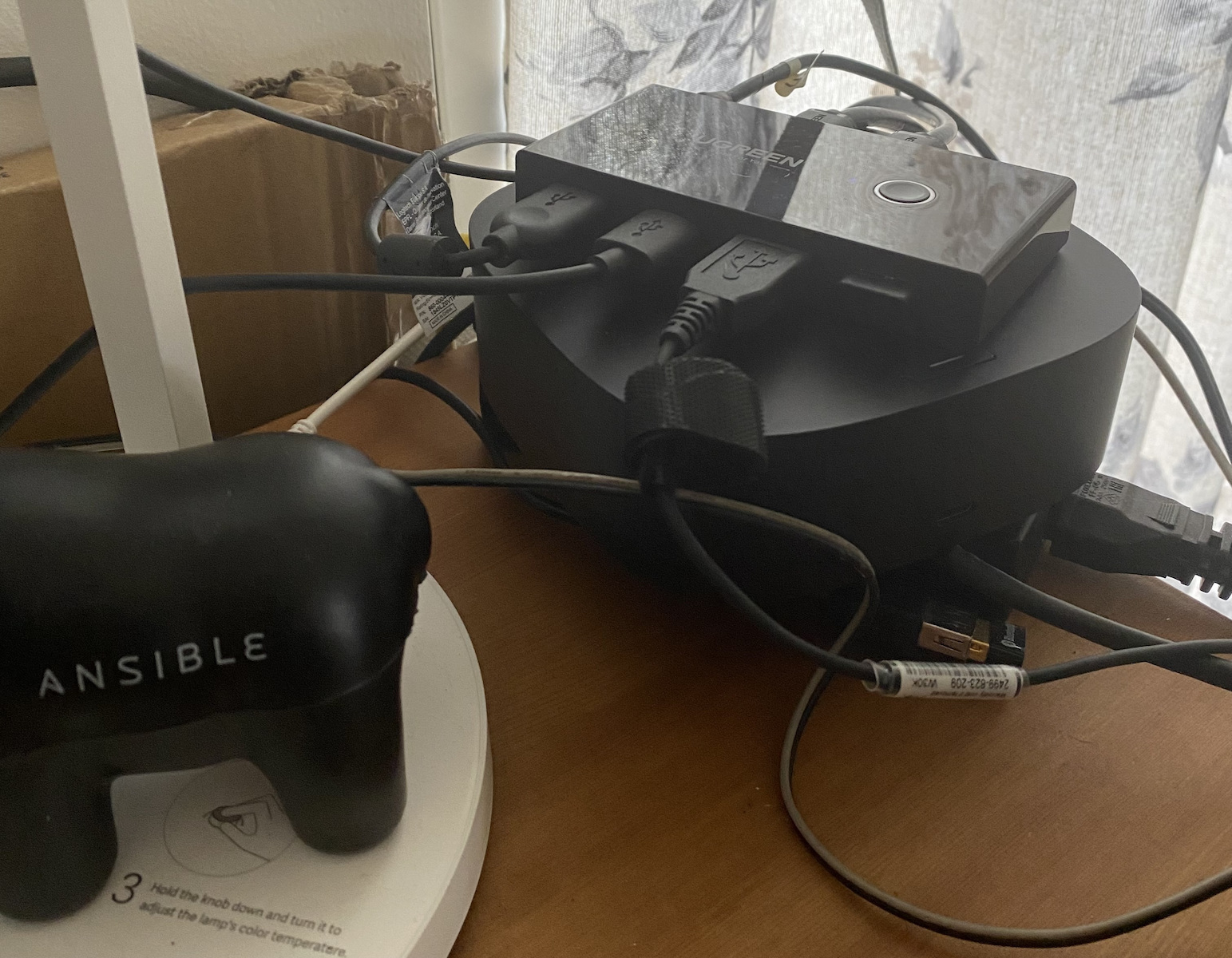
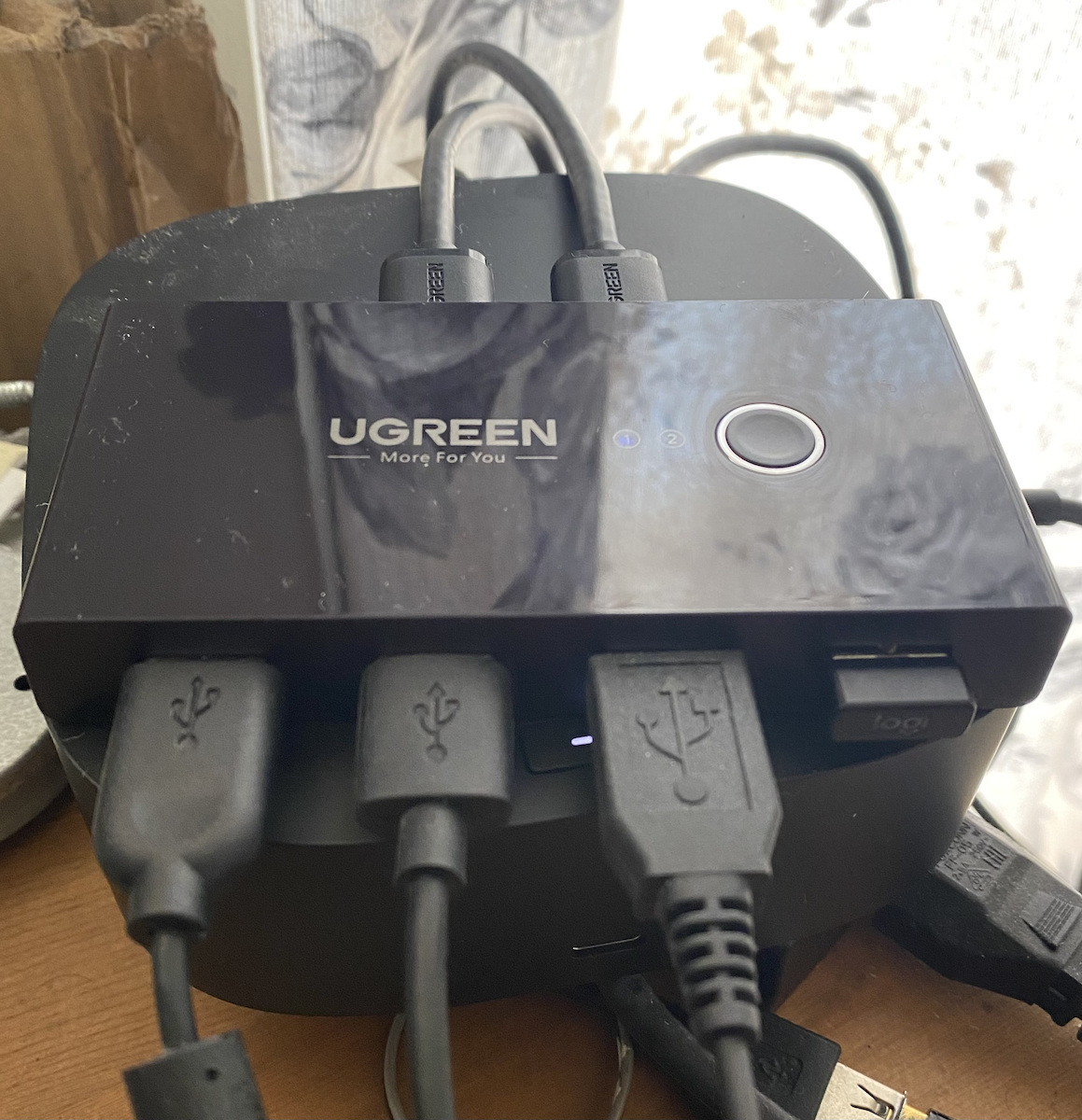
I needed a 'simple' KVM switch to work for my work Chromebox and my main home PC, with enough ports for my mouse (Logitech G502) and gaming keyboard (Corsair K70 LUX, which has two USB cables on its own). I didn't want any monitor outputs, or a KVM with just a single USB port for a memory stick.
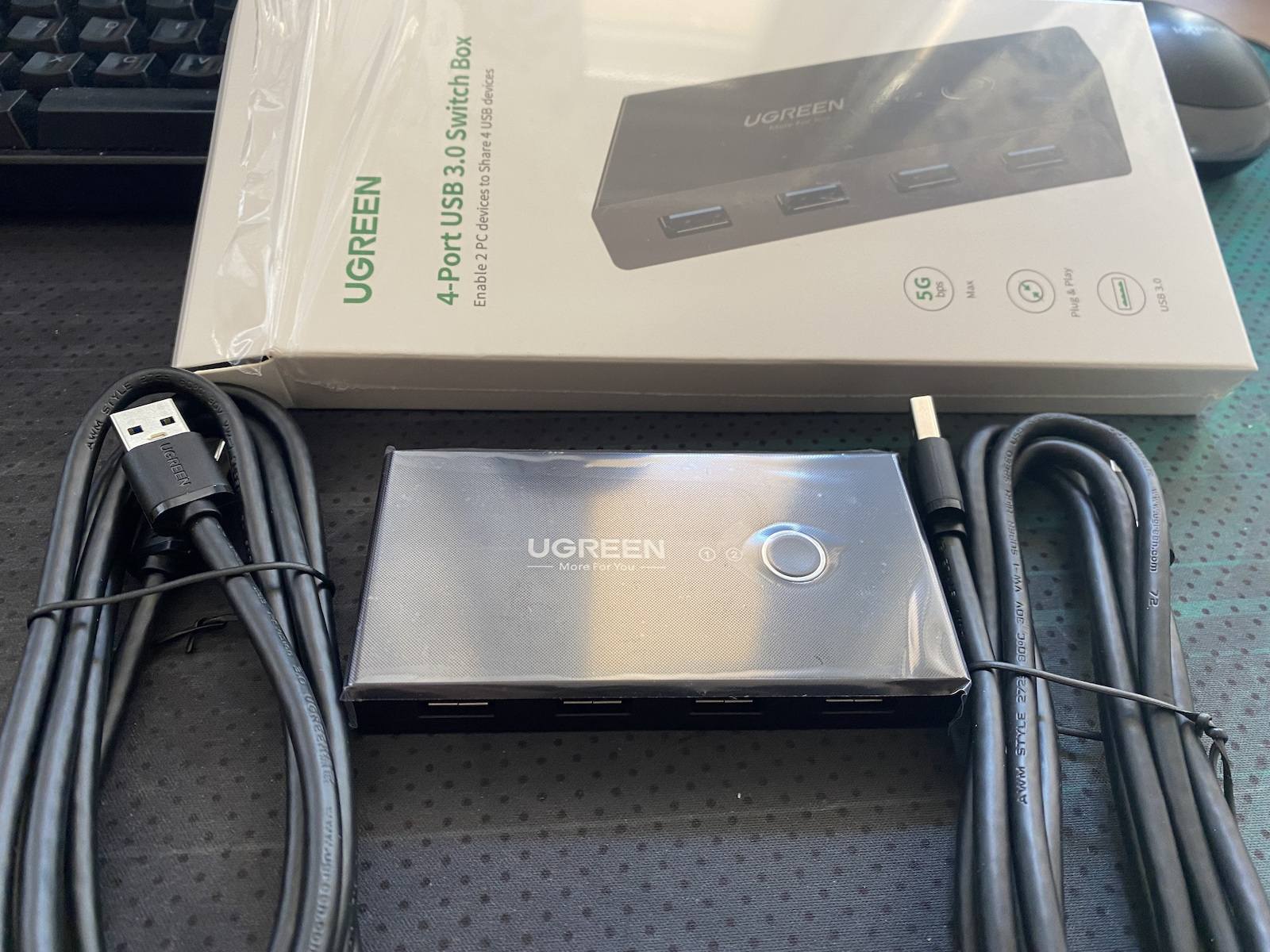
The box is quite small and comes with two fairly 'heavy-duty' USB A - USB A cables to connect the KVM to your two machines, quite thick and sturdy. I haven't tested using a USB stick to confirm the speeds provided, but I might do so at a later date.
There was no driver installation required. Once all the cables and peripherals were connected, it worked instantly. My work computer didn't see anything different and acted like they were connected directly, and my PC (which has more power to spare when compared to the tiny Chromebox) powered the RGB lighting on the keyboard.
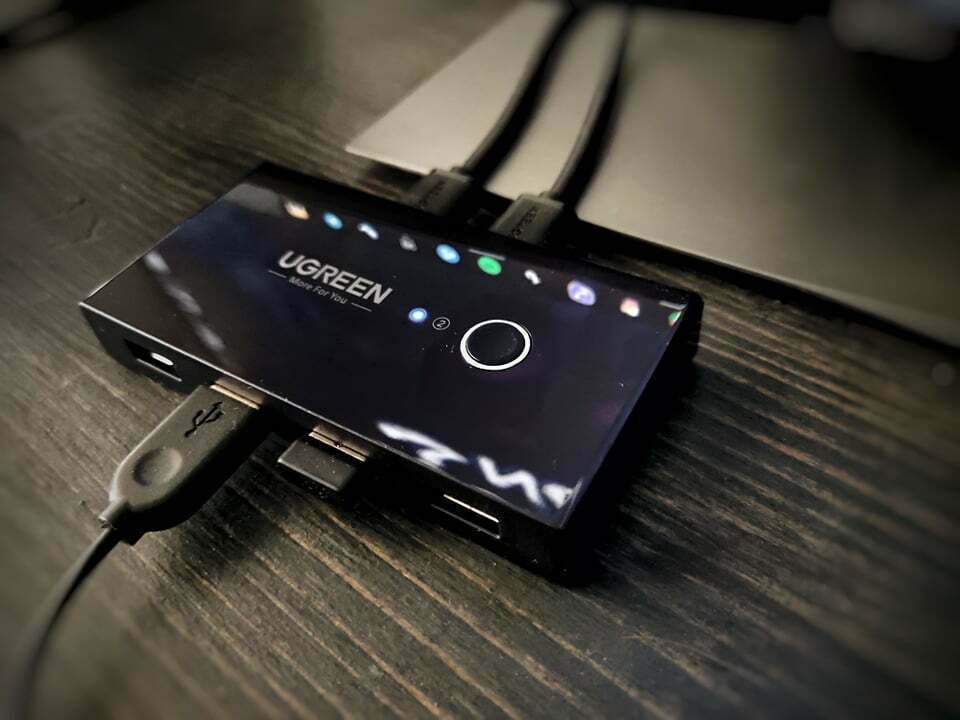
When you press the small button on the top, it takes approximately 3-4 seconds to move from PC to Chromebox, and only 1 second from Chromebox to PC, so it's negligible. It's fast and painless. The blue LED on the switch is blue, but not horrendously bright like with other tech, so it won't keep you up at night. It does stay on even when both machines are off, however, it could be due to my PC always maintaining some power on for the RGB on the motherboard.
On Windows, you can hear the USB connect/disconnect sound when switching to and from when pressing the button, the moment you hear the sound is when it can be used on the PC, or the other machine.
Rarely, a device won't be recognised when you switch, like the keyboard or mouse. To fix it, just switch to the other machine, wait a few seconds, and switch back.
One time, there was a fairly big issue, in that the switch wouldn't work on my PC. I figured out the issue on my own. I believe I was switching between both machines so fast, that it couldn't keep up, and the switch became an unknown USB device in Device Manager (so anything connected to it wouldn't be detected). The solution was to uninstall that unknown device, then switch to the other machine, wait a second or two, and switch back. Windows found the drivers needed and it worked again.
TLDR, don't do rapid switches between machines, just give it at least 5 seconds before pressing the button again.
Highly recommended for daily use.




Άφησε πρώτος το σχόλιό σου!