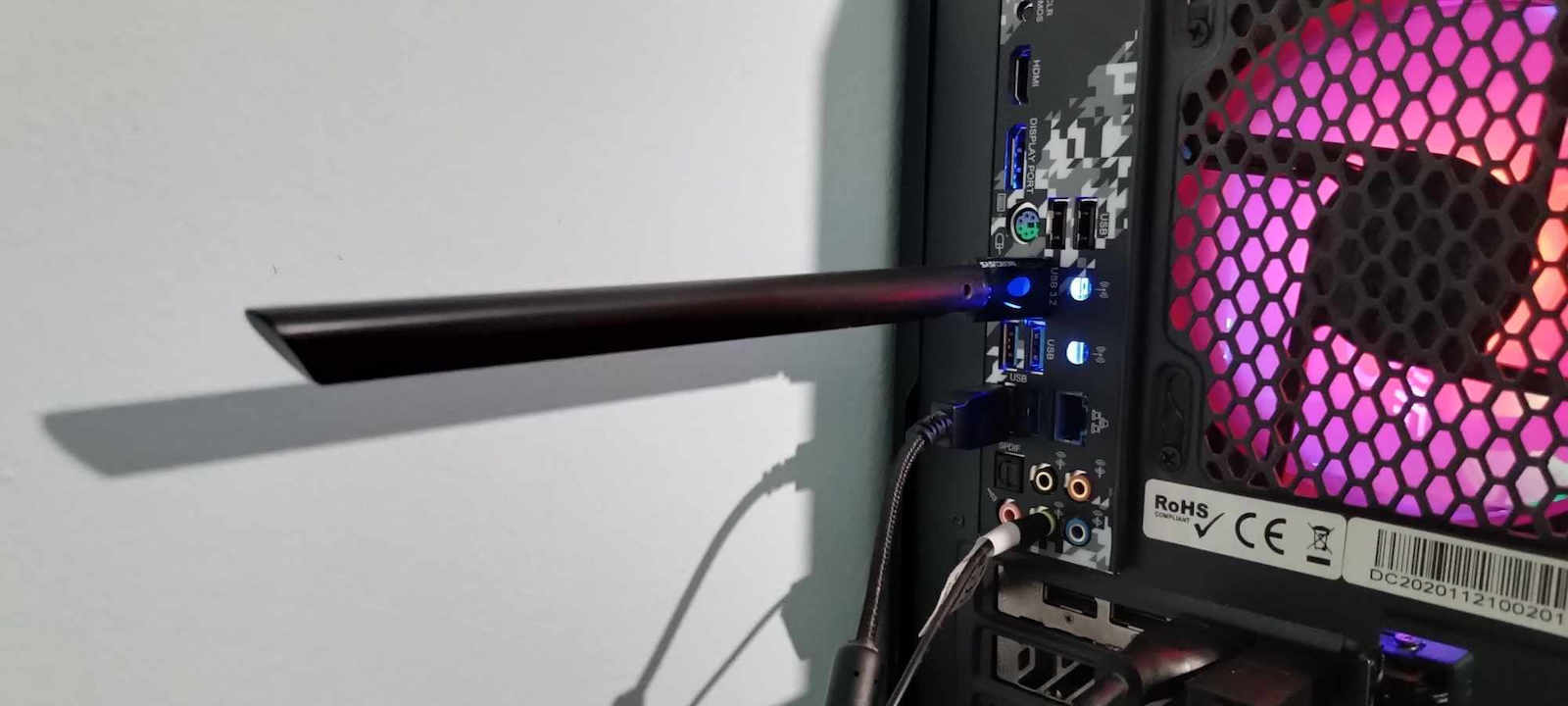
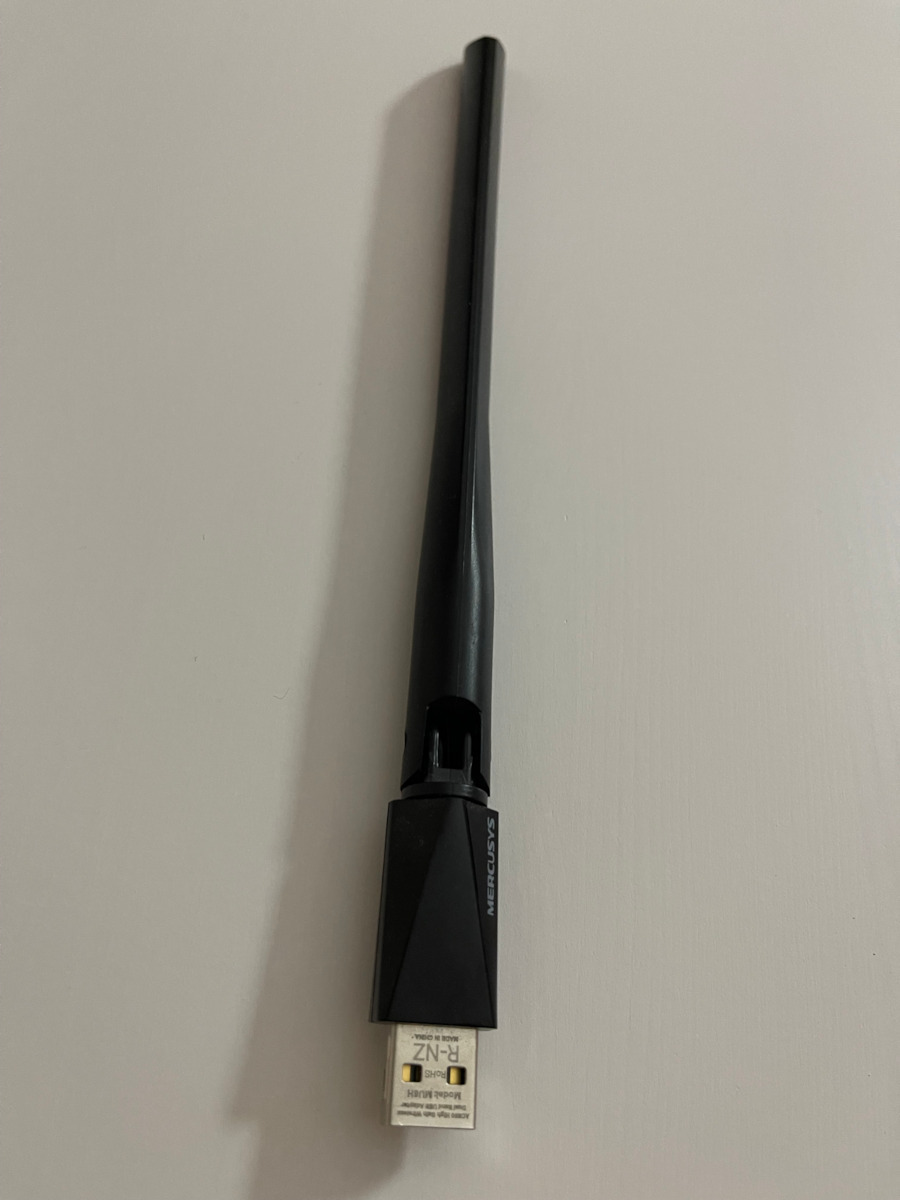
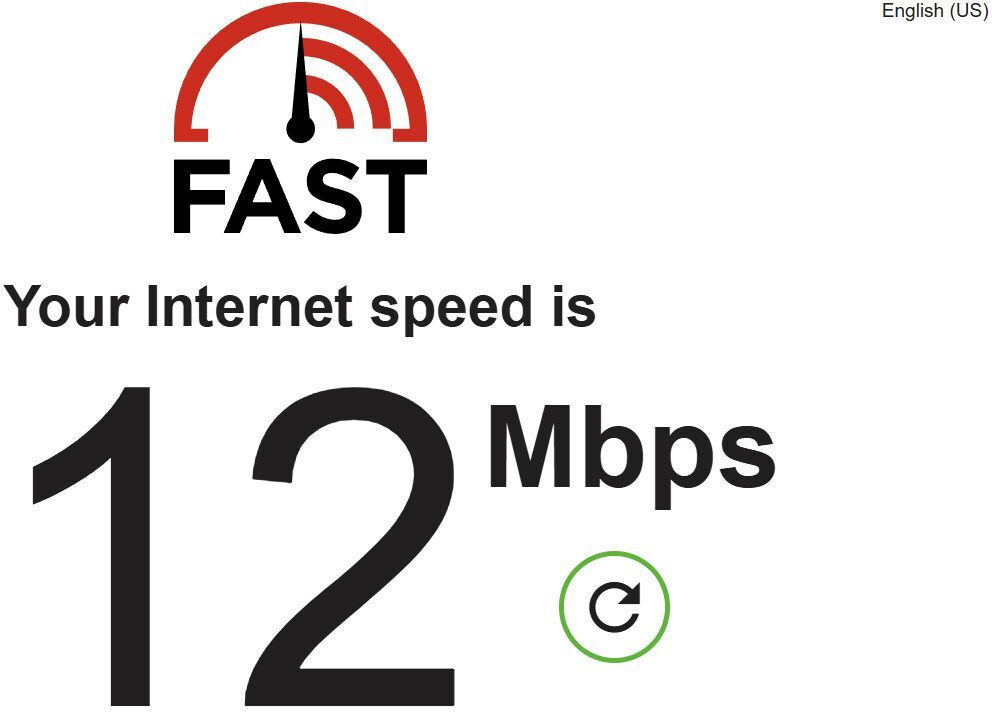
I installed it and it opened immediately to pass the driver and then it worked only on the 2.4ghz frequency. For the 5ghz frequency, you need to make some settings to enable it (I will put the setting I did below), in order to reach the maximum speeds. In my case, 200mbps, I had to try different setting options.
For anyone interested, I mention the change I made. Keep in mind it will only work on 5ghz. Device management, find the adapter in the networks and in the settings for advanced users, in wireless mode select IEEE.802.11ac.
I should note that in all other options, the measurement I did was below 80 mbps
το τοποθέτησα και μου άνοιξε απευθείας να περασω τον driver και στην συνέχεια δούλεψε μόνο στην 2.4ghz για την 5ghz συχνότητα πρέπει να κάνετε κάποιες ρυθμίσεις για την ενεργοποιήσετε (θα βαλω την ρύθμιση που κάνα εγώ ποιο κάτω) , για να μπορέσει να πιάσει της μέγιστες ταχύτητες στην δικη μου περίπτωση τα 200mbps χρειάστηκε να δοκιμάσω διαφορετικές επιλογές ρυθμίσεων
για οποίον θέλει παραθέτω την αλλαγή που κάνα
υπόψιν θα δουλεύει μόνο σε 5ghz
διαχείριση συσκευών
βρίσκετε τον ανταπτορα στα δίκτυα και στης ρυθμίσεις για προχωρημένους στο wireless mode επιλέγεται την ΙΕΕΕ.802.11ac
να σημειώσω πως σε ολες της άλλες επιλογές η μέτρησης που 'κανα ήταν κάτω τον 80 mbps
Be the first to leave a comment!