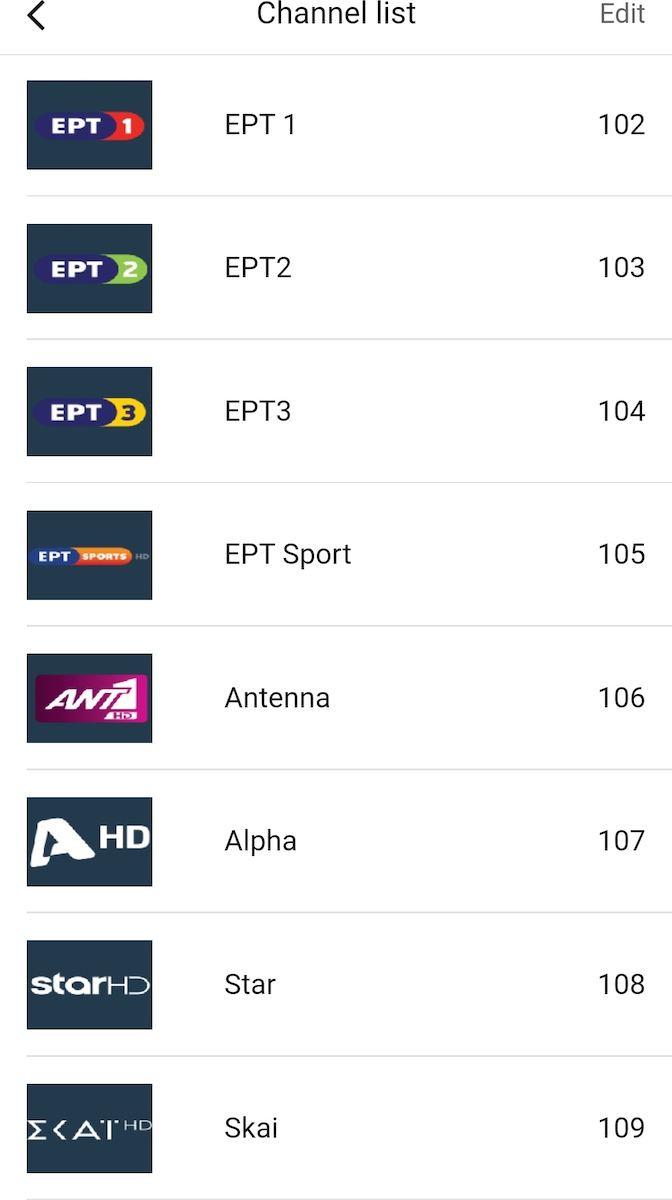
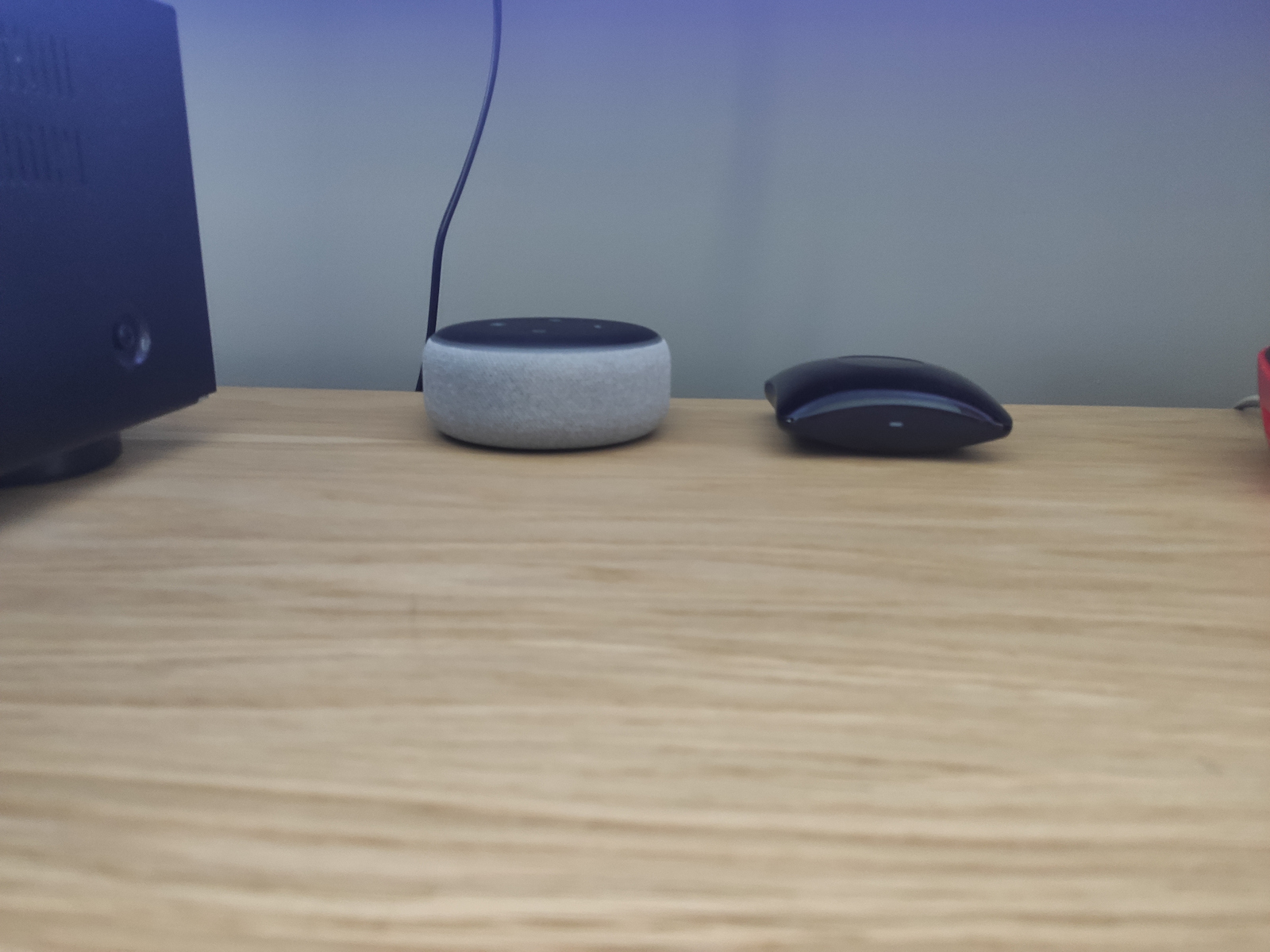
The RM4 Pro is a universal remote control that allows you to control your devices through your smartphone or tablet using infrared (IR) radiation as well as radio frequencies (RF). The use of radio frequencies enables it to control devices even if they are not in the same room, unlike infrared. Thus, you can control the lights, air conditioning, television, and any other IR and RF device from wherever you are.
Smart hub that controls electrical devices operating with infrared, as well as with radio frequencies, via WiFi. Compatible with Alexa, Google Home, and IFTTT.
The Broadlink RM4 Pro is aimed at users who wish to control their devices remotely using their smartphone or tablet. It features voice control and is compatible with many different control protocols, making it ideal for users who want to control a multitude of devices from a central location.
Meet the RM4 Pro
The RM4 Pro is a universal remote control that allows you to control your devices through your smartphone or tablet using infrared (IR) radiation as well as radio frequencies (RF). The use of radio frequencies enables it to control devices even if they are not in the same room, unlike infrared. Thus, you can control the lights, air conditioning, television, and any other IR and RF device from wherever you are.
Smart Home
It works with Amazon Alexa and Google Home, allowing you to control your smart home with voice commands. You can also schedule your devices to turn on or off automatically at specific times throughout the day.
What is a Smart Hub?
A smart hub acts as the central control system for your smart home devices. It connects to the internet and communicates with compatible devices using wireless technologies such as Wi-Fi, Bluetooth, and Zigbee.
Through a smartphone app, browser-based dashboard, or voice assistants like Amazon Alexa and Google Assistant, you can control devices such as smart lights, thermostats, security cameras, and more.
A smart hub can also automate everyday tasks based on your preferences, such as turning on lights when someone enters a room or adjusting the thermostat throughout the day.
One of the main advantages of a smart hub is that it lets you manage multiple devices from a single interface, making your smart home easier and more convenient to control.
How does it help me make my home smarter?
- Remote Control: With the smart hub, you can control your smart home remotely using your mobile phone or computer. This allows you to manage your home even when you're not there.
- Energy Saving: The smart hub can coordinate your devices and help save energy. For example, it can control your smart bulbs and automatically turn them off when they are not needed.
- Automation: Automation is a key factor in the operation of a smart home, and smart hub devices significantly contribute to creating automations. This can include setting up automatic rules for turning devices on and off, adjusting the home's temperature, setting the lighting, and much more. Automation helps you save time, reduce energy costs, and make your life easier. A smart hub can facilitate the creation of automations in your smart home, as it acts as a central controller for your various devices. It can connect your devices and coordinate their functions using built-in sensors and other technologies. It can also work with other smart home systems, such as a smart lock or smart camera.
Advantages of a Smart Hub
A smart hub connects your smart home devices and lets you manage them from one place, such as your phone or tablet. Some of the advantages include:
- Convenience: Control multiple devices from a single app, making everyday management simpler and more efficient.
- Time-saving: Automate and schedule actions across your home, such as adjusting the temperature or turning devices on and off without manual input.
- Increased security: Manage security cameras, alarms, and other safety devices remotely to keep your home protected at all times.
- Cost-saving: Control lighting and thermostats more efficiently to reduce energy usage and lower your energy bills.
What should I consider before buying a Smart Hub?
- Compatibility: Ensure that the smart hub you choose is compatible with the devices you have in your home. Check the specifications of the smart hub and make sure it supports your devices.
- Platform: Ensure that the smart hub supports the software platform you wish to use. Some smart hubs use different platforms, so make sure you have the correct platform for the smart hub you want to purchase.
- Security: Ensure that the smart hub you choose has good security practices and has been updated for the latest security threats. Smart hubs are connected to the internet and can be a target for malicious attackers.
- Features: Ensure that the smart hub you choose has all the functionalities you need.
Connectivity with Wi-Fi, IR, RF, and IFTTT
- Wi-Fi: Connects to smart devices via Wi-Fi network. Supported by smartphone.
- IR: Connects to devices via infrared (IR) and has a range of approximately 30 meters.
- RF: Connects to smart devices via RF (radio frequencies) and has a range of approximately 30 meters.
- IFTTT: IFTTT allows you to connect with cloud services and Internet-enabled devices to create some useful automated actions to facilitate your digital life.
At a glance
- Input voltage: 5V
- Input current: 1A
- Control: Multi-directional infrared and RF
- Communication mode: Wi-Fi 802.11b/g/n (2.4GHz)
- Supported operating system: iOS 11 / Android 5.1 and above
- Infrared frequency: 38kHz
- Certification: CE, ROHS
- Dimensions: 84.4 x 84.4 x 31mm
Skroutz tips
We’ve gathered insights from user reviews for you!
According to user opinions and tips:
- The Wi-Fi must be 2.4ghz and not dual 5ghz / 2.4ghz.
- The package does not include a power adapter, only a USB cable.
Dimensions
- Microphone
- No
- Speaker
- No
- Number of Speakers
- 5.1
- Built-in Camera
- No
- Screen
- No
- Colour
- Black
- Kit
- No
Smart Attributes
- Connectivity
- Wi-Fi, IR, RF
- Smart Ecosystem
- Google Home, Alexa, IFTTT
Important information
Specifications are collected from official manufacturer websites. Please verify the specifications before proceeding with your final purchase. If you notice any problem you can report it here.