

Starlink: What it is, what it offers, and what accessories you will need
What is Starlink and how does it work?
Starlink is a pioneering satellite internet service created by the company SpaceX (owned by Elon Musk).
Unlike traditional internet that comes to your home through underground cables or mobile phone antennas, Starlink comes directly from space.
SpaceX has launched thousands of small satellites into "low orbit" around the Earth.
Because these satellites are much closer to us compared to old television or internet satellites, the signal travels very quickly. This means you have high-speed internet that doesn't lag.
What does it offer you?
Fast internet literally everywhere: The biggest advantage of Starlink is that it brings fast internet even to the most remote villages, in mountains, on islands, or in homes where traditional companies have no coverage.
Super easy installation: You don’t have to wait days for a technician to come to your house. You can set it up yourself in just a few minutes using a simple free app on your phone.
No data caps: With the basic home packages, you can download, watch movies, play games, and work without worrying about running out of data.
Portability (if you need it): There are special packages (like Starlink Mini or the Roam package) that let you put the antenna on your car and have internet at your campsite, in your RV, or even on your boat.
What does the basic box (Standard Kit) include?
When you order Starlink, a box will arrive at your door containing everything you need to get started right away:
The Satellite Dish (Antenna): This is the device that "looks" at the sky and receives the internet. In the newer models (Gen 3), the dish is like a thin, rectangular panel that no longer has a built-in motor, but is fixed in place.
The Wi-Fi Router: The device that goes inside your home and wirelessly distributes the internet to all your devices (phones, laptops, TV).
Cables and Power Supply: A long cable to connect the outdoor antenna to the indoor router, and the power cable for the outlet.
Simple base (Kickstand): A simple support to place the antenna on the ground or on a flat surface.
Extra accessories you might need
The basic kit covers you for a simple installation, but depending on your home, you may need to purchase some additional accessories from the official Starlink store:
Wall Mount: This is essential if you want to mount the antenna high up on the exterior wall of your house, so it has a clear view of the sky without obstructions (like trees).
Pipe Adapter: If you already have a metal pole on your roof (e.g., from an old TV antenna), this accessory allows you to securely attach the Starlink to it.
Pivot Mount / Ridgeline Mount: Special mounts for safely installing the antenna on sloped roofs or on top of tiles, without making holes or causing damage to the roof.
Longer Cable: The cable included in the kit is usually about 15 meters long. If your roof is far from the room where you’ll place the Router, you’ll need the extra 22 or 45 meter cable.
Router Mount: A plastic bracket that allows you to neatly and securely fix the Router to the wall, so it doesn’t take up space on your furniture.
Quick Tip: Before buying any mounting accessory, download the Starlink app on your phone. It has a scanning feature that shows you exactly the best spot in your home to place the antenna!
Get it now and enjoy fast internet everywhere,
Relevant Articles
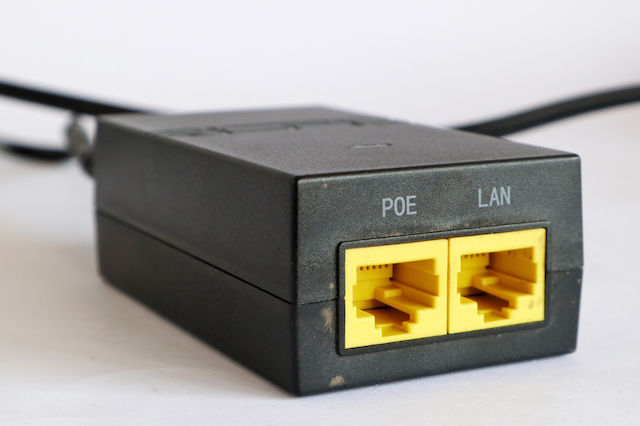
PoE Guide: How to Power Cameras and Access Points Without Outlets
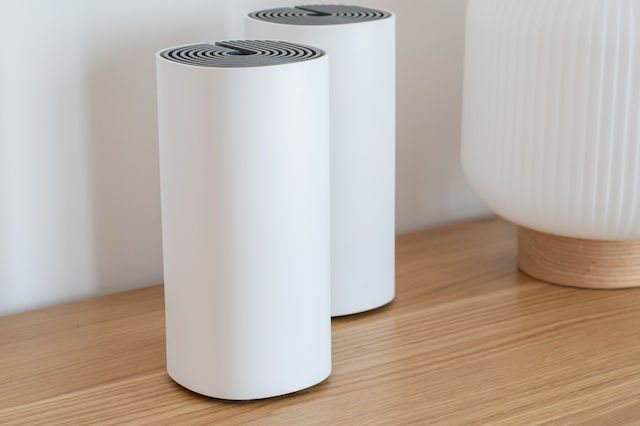
The best access points & mesh for your space!

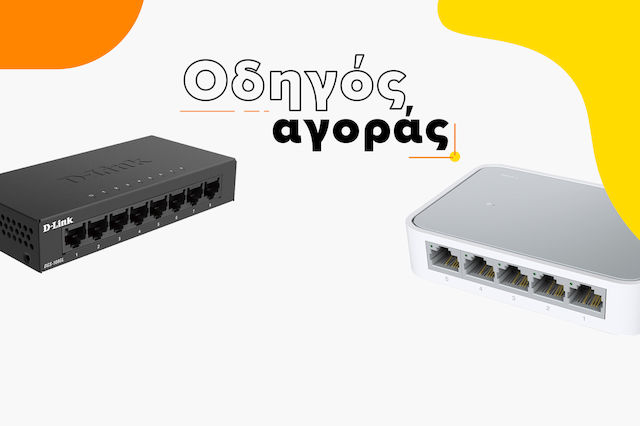
The Best Switches
Be the first to leave a comment!