

External Hard Drives Buying Guide
Looking for an external hard drive? Read the guide and find the right one for your needs!
Capacity: How many GB or TB do you need?
500GB – 1TB: Ideal size for office documents, school assignments, music, and several thousand photos from your mobile phone.
2TB – 4TB: The "sweet spot" for most users. Easily fits full computer backups, many large games, high-resolution videos, and entire media collections.
5TB and above: Aimed at professionals (photographers, creators) or those who want to store a huge amount of data for many years. At these capacities, it is usually more cost-effective to buy a desktop HDD (3.5 inches) that plugs into a power outlet.
SSD or HDD? Which type should you choose?
The most basic decision you need to make is whether to go for a classic mechanical drive (HDD) or a modern electronic drive (SSD).
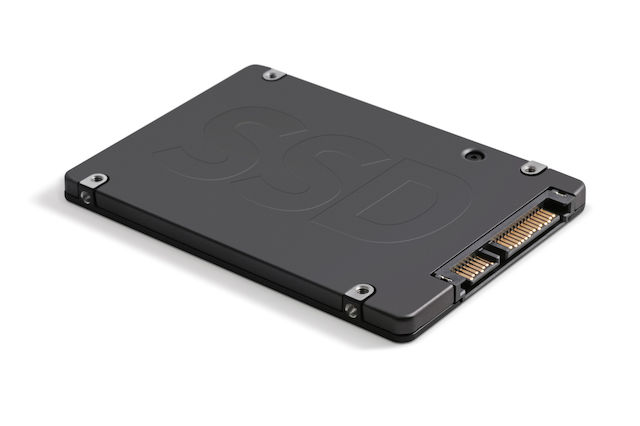
SSD (Fast and durable): They are the best choice for most people. They look like large USB sticks, are ultra-lightweight, fit in your pocket, and offer incredible speeds. Since they only have chips inside and no mechanical parts, they won’t get damaged if you drop them and are completely silent. Nowadays, their prices are extremely affordable for capacities like 1TB or 2TB. ? Choose it if: You often transfer large files, work directly from the drive (e.g. video/photo editing), or always carry it with you in your bag.
HDD (The champions of capacity): These are the traditional hard drives. They are slower and more sensitive to bumps (they have a spinning mechanism inside), but they offer huge storage space for very little money. ? Choose it if: You just want to make a general backup of your files, store thousands of movies, series, and old photos, and leave the drive stationary in your drawer or on your desk.
Sizes
The most popular disk sizes are the following:
3.5": Exclusively for HDD disks and is particularly bulky, to the point where it is discouraging for transportation. It is recommended for use in a permanent storage location since the majority of them always require a power supply. It tends to be phased out, as there are now better options as we will see below.
2.5": The most common and popular size, as it is small enough to be portable and you can find both SSD and HDD options.
M.2": Exclusively for SSD disks, it is particularly small in size and the most recent technology. They are less economical than the above options, but by far the most portable. On the other hand, due to their very limited size, they do not offer the storage space that the above options provide.
Speed and Connectivity (Which cable should it have?)
To avoid getting confused by the numbers and names, just keep the following in mind:
The USB-C port is king: Choose a drive that connects with USB-C. It connects easily to modern laptops, Macs, and even directly to your iPhone or Android phone for instant photo transfers!
-
Speeds in simple terms:
Standard mechanical drives (HDD) transfer data at about 100-140 MB/s.
Budget external SSDs reach 500 MB/s (5 times faster).
Modern SSDs (marked USB 3.2 Gen 2) reach up to 1,050 MB/s (10 times faster than a standard HDD – a whole movie transfers in just a few seconds).
For PlayStation 5 and Xbox Series X/S: If you play games and your console is full, an external drive is a lifesaver. However, be careful: You can only play older games (PS4 or Xbox One) directly from the external drive. The next-gen PS5 games can only be stored there so you don’t have to re-download them from the internet, but to play them you’ll need to transfer them to the console’s internal storage.
For content creators (Smartphones & Tablets): If you shoot a lot of videos with your phone, a small external SSD with a USB-C cable is the best accessory. You can connect it to your phone and record video directly onto the drive, without filling up your device’s memory!
Relevant Articles
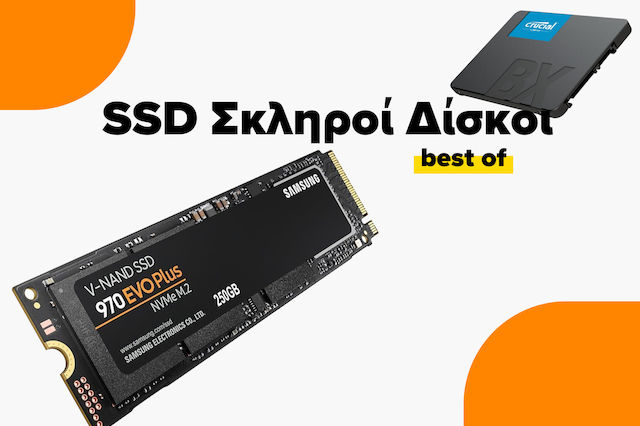
SSD Buying Guide
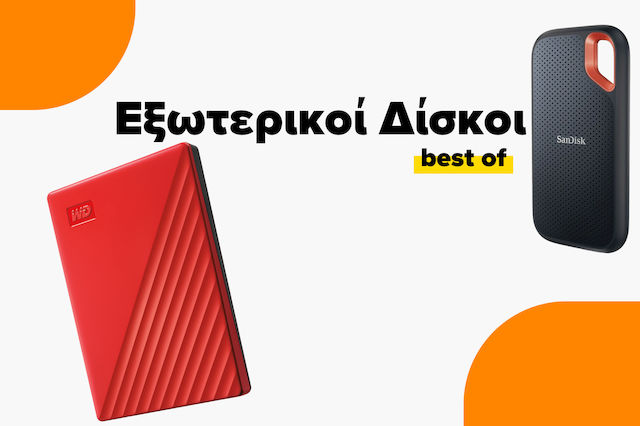
The Best External Hard Drives on the Market
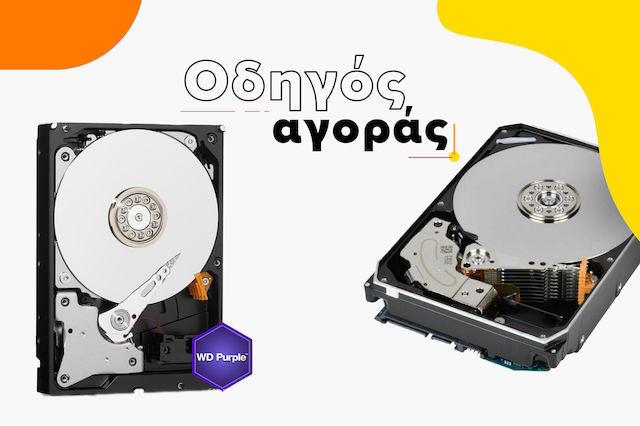
Hard Drive Buying Guide
Be the first to leave a comment!