

iPad Buying Guide
Are you looking for a new iPad? See what you need to pay attention to before buying!
Are you an Apple lover? Do you have an iPhone, a Macbook and are you missing an iPad, or are you new to the Apple community? Whatever the case may be, make sure you learn in detail all the technical specifications, features, and capabilities of the various iPads before making a purchase. Let's take a detailed look.
Operating system
The operating system of the first iPads was the same as that of the iPhone (iOS). However, in September 2019, a branch of iOS was launched, called iPadOS, which is more adapted to the needs of iPads, thus making the user experience even better.
Just as with iOS, Apple does not grant permission for the installation of the iPadOS software on devices not manufactured by Apple.
So, choose a iPad with iPadOS operating system, which offers many capabilities and functions that make it functional and practical.
Processor
The processor is another parameter that is good to consider before making a choice. For example, Apple's processors in iPads have evolved over the years like this:
One can distinguish the evolution of processors from the A12X Bionic to the M4, both in performance, improved capabilities, and functionality.
For example, the advanced M1 and M2 processors offer performance similar to a desktop computer in a compact form, making iPads, which operate with them, ideal for professional and creative work. On the other hand, the A14 Bionic processor offers a balance of performance and functionality and is suitable for general use and some professional applications. While its predecessors have even more limited capabilities.
The M4 processor features advanced architecture and significantly improved features, such as 50% faster CPU performance and up to 4 times faster GPU performance compared to the M2, while supporting 8K video and AI capabilities that did not exist before. We find it in the 2024 iPad Pro model, making it a powerful tool for both professional and everyday use.
Capacity
The way you use your iPad also affects the available space you need to have. Depending on how often you will use it, as well as the data you want to store, it is good to pay attention to how many GB it offers.
If you are a collector of moments and photography is your hobby, then you definitely want an iPad with at least 128GB of storage. In case you want to download games or other content, such as movies and series, perhaps a version with 256GB of available space may be more suitable for you. On the other hand, if you are a professional and use specific applications or want to store your work, then you definitely need an iPad with much larger storage space (at least 512GB or even 1024GB).

Screen size
What are the options? You can find iPads with a medium screen starting from 8.3 inches, such as the iPad Mini, more conventional options with a 10.9- or 11-inch screen, as well as a larger 13-inch screen, in models such as the Air and Pro.
The choice is up to you, depending on whether a smaller or larger screen is more convenient for your everyday life and what you need to do.
Choose the right one for you from the different options:
- Medium iPad with screen up to 10"
If you want an iPad for very basic use, to carry everywhere with you and to be an easy choice for your trips and getaways, the medium size is just right for you.
If you need it for simple everyday use, such as watching movies and series or following the news and developments, you will need a medium to large screen.
- Very large iPad with screen above 12.3"
Whereas if you are a professional and need it as a tool for your work, then the large screen is the one that suits your needs. It is recommended for multitasking, as it allows you to have many windows and applications open at the same time. At the same time, it gives you the ability to see everything on a larger screen and more space to work.
Camera
If you want your new iPad for taking photos and videos, then the camera is something you need to take into account. Rear or selfie camera? Whichever you choose, remember that for clear photos and videos you need at least 8MP camera resolution.
The best iPad for shooting and editing photos and videos is the 13-inch iPad Pro with M4 chip from 2024. However, this is a high-budget option, and if you are not going to use it for professional purposes, there is no need to spend that much money, while you can go for more affordable and more value-for-money options. One of these is the 11-inch 11th generation iPad from 2025. This is an option with a very significant difference in budget, suitable for everyday use.
More options
Professional Use
Are you a professional? Do you need the iPad for video and image editing, music production, or perhaps for design? No matter which field you belong to, as long as you need the iPad for professional purposes - which means you will make money from using it - then you should invest in it and go for the iPad Pro option.
Who is an iPad Pro for?
An iPad Pro is for you if you either have a laptop or a desktop computer and want to have it with you every day as a faster and more convenient solution. Combine it with a keyboard and you will never separate from it, as it will free up your hands.
More specifically, it can be useful if you are a professional and need specialized applications for your work. For example:
- Designer (Sketchbook, ibis Paint X, iArtbook, SketchUp)
- Architect (Polycam, DroneDeploy, Sun Seeker, Concepts)
- Photographer/videographer (DaVinci Resolve, Final Cut Pro, iMovie)
- Freelancers
Everyday Use
If you are a student and are interested in research and writing papers or need the iPad for simple use, such as browsing the internet, playing games, and using social media, then you need a basic model that offers flexibility and is user-friendly. Therefore, you should choose an iPad Air or an 11th generation iPad, which will be easy to manage, with the ideal size, so it won't tire you during use.
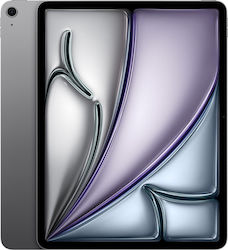
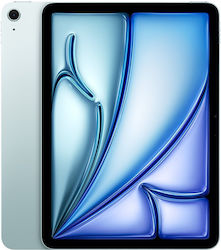

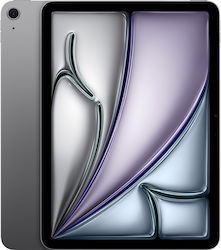
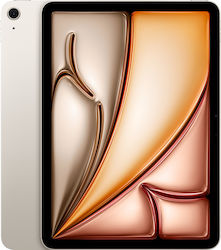
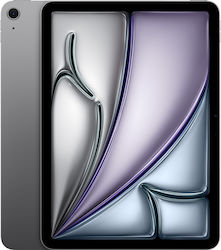
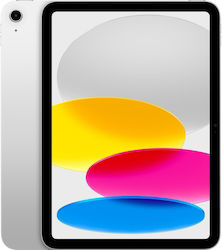

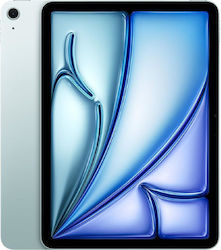
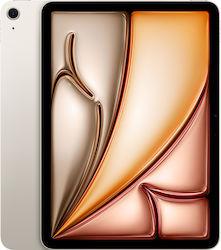
Who is an iPad Air for?
- For you who either have a laptop or not, you need a solution for your daily needs and are tired of using your phone.
- For you who have moments when you are too lazy to open your laptop, but can't use your smartphone for specific tasks.
- For you who are a student and constantly looking for information about your courses or assignments.
- For you who enjoy browsing on your phone, but want a larger screen to watch movies and series, exchange messages, or simply browse.
Accessories
Keyboard
The keyboard is an accessory that can be very useful if you want to use the iPad for professional purposes, to write an assignment if you are a student, or even to navigate more easily on the internet or chat. Depending on the model you end up buying, you can see which keyboard is compatible, so you can use them together.


Pencil
Apple's touch stylus can help you unleash your design and graphic skills, take quick notes, make calculations, and navigate your new iPad with ease.
Learn more about which Apple Pencil is compatible with the iPad model you want to buy.


More features
GPS: Technology that enables the location of the geographic position via satellite. Especially useful for navigation through a map app such as Google Maps.
Ideal feature for you who are on the road all day and don't want to get lost ever.
NFC: The ability of wireless device connection with NFC technology enables various functions with a simple touch of the device to another one that also has NFC.
Ideal for you who want to connect your bluetooth headphones easily and quickly.
SIM: Ability to use a 4G-LTE or 5G mobile network, using a SIM card with a data plan.
Ideal for you who are constantly on the go and want to have connection everywhere.
Fingerprint: Ability to unlock the device with fingerprint recognition.
Ideal for easy and quick unlocking, while offering more security.
Old or new?
This is perhaps the most overused question in your mind for as long as you have been thinking about buying an iPad. There is no single answer, and nothing is right or wrong. It always depends on your needs, the purpose for which you will buy an iPad, and of course the amount of money you want to spend.
Why choose a new iPad?
- Greater performance: New iPads feature the latest processors, which are faster and more efficient.
- Improved features: As we have seen above, the latest models have updated features, even compared to the immediately previous models. Such features may include improved camera quality, better displays (ProMotion, Liquid Retina), and advanced functions such as Face ID and accessory support, e.g.: Apple Pencil 2.
- Advanced software: Updates on new iPads last for a longer period compared to older models, ensuring access to the latest features and updates.
- Longer battery life: A new device definitely has a better battery, which offers better performance and longer life than an older one.
- Resale value: A new model has much better chances of being resold at a high price compared to an older model. So if device upgrades are something that matters to you, it is good to keep this in mind.
In summary, if you want your iPad to have the latest technologies, if you are going to use it for professional purposes, or if you prefer the best possible software support, then a new iPad is what you are looking for.
Why choose an older iPad model?
- More affordable solution: Older models are quite a bit more affordable and are an ideal solution for those with a lower budget. Especially used iPads may be the most worthy choice.
- Ideal for basic use: A previous model can offer quite good performance in everyday tasks, such as browsing the internet, communicating via social media, and using simple apps that do not require "heavy" features.
- Compatibility: An iPad 9th generation and earlier may be more appealing to someone looking for a device with Lightning ports that offers compatibility with existing accessories.
In summary, if you have a low budget, if you need the iPad for simple use, or if you simply prefer a more economical option, then an old model can adequately meet your needs.
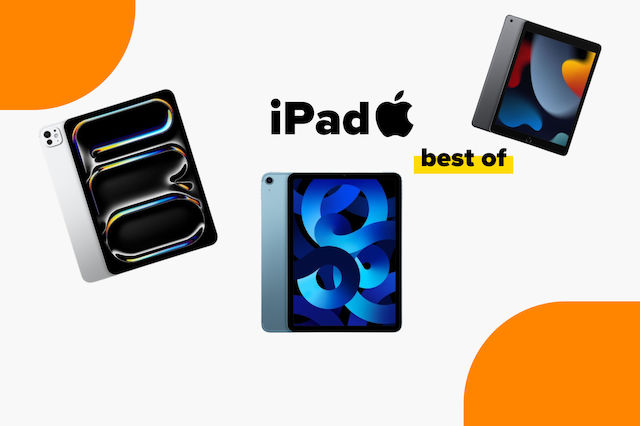
You can also take a look at the guide to the best iPads on the market, where you will find the best options based on user feedback, depending on how you plan to use it and the budget you have available.
Relevant Articles
New iPad & iPad Air Announced
MacBook Air M4: Everything We Know So Far!
The best iPads on the market

Be the first to leave a comment!