

Buying Guide for Keyboards
Everything you need to know before buying a keyboard for your computer!
Come and discover together what are the main features you should consider when buying a keyboard and which are the most important, based on the use you want to make.

Wired or wireless
One of the most important features of a computer keyboard is the way it connects to our computer. Wired or wireless.
Wired keyboards connect to the computer via a USB port and require no other action from the user. No power supply is needed, as they draw the required power to operate from the USB port. Their advantages are a stable connection, without interference, and immediate response.
Wireless computer keyboards are divided into two categories: RF wireless keyboards and Bluetooth wireless keyboards.
RF wireless keyboards and gaming wireless keyboards have a USB radio frequency transceiver adapter (usually at 2.4GHz) which connects to a USB port on the computer and, through it, the connection is made wirelessly. Bluetooth keyboards connect wirelessly with devices that have Bluetooth and support keyboards. Of course, all wireless keyboards operate with batteries, while some can recharge their batteries since they also connect to the computer with a USB cable. The advantage of Wireless Keyboards is that they offer freedom of movement and fewer cables. Their disadvantages, however, are that the wireless connection is often not as reliable due to interference, while they require charging or battery replacement at regular intervals.
Gaming keyboards
Gaming keyboards are characterized by manufacturers as keyboards that have one of the following features:
Lighting
Keyboards can have lighting mainly for those who want to use the computer in low-light conditions. Backlit keyboards feature a single, soft light under the keys so they are visible even in complete darkness. The keys are illuminated in the same color, and you can usually increase or decrease the brightness. Gaming keyboards can also offer more lighting options. There are keyboards with RGB lighting, where you can choose different lighting effects, as well as more advanced keyboards where you can select a different color for each key or group of keys! The more complex settings are usually achieved through a program where you can customize the lighting according to your needs.
Macro and WASD commands
Another feature that Gaming keyboards may have is the ability to program macro commands. With these commands, you can program a single keypress to trigger specific buttons in the sequence you want.
In Gaming keyboards, you will also find models with different-colored WASD keys or even the arrow keys.

The most essential and widely used types of keyboards are mechanical keyboards and membrane keyboards.
Membrane keyboards
Membrane keyboards consist of a printed electronic circuit on which a flexible membrane rests. With each key press, the membrane presses the appropriate point on the electronic circuit and sends the command to print the character corresponding to the key. Then, it returns the key to its original position.
The advantages of membrane keyboards are their affordable price and quiet operation, while their disadvantages are the feedback they provide while typing and the reduced feel, especially as the membrane wears out over time.
Mechanical keyboards
Mechanical keyboards, instead of a membrane, have independent mechanical switches located under each key. These metal switches use a spring to return to their position after the button is pressed.
The advantages of mechanical keyboards are their reliability, speed, and accuracy while typing, as well as their unique feel. Their disadvantages are their higher cost and the noise produced by the keys.
If you decide on a mechanical keyboard, you should choose the type of switch. It is the structural component that gives a specific characteristic to the keyboard. They are distinguished based on color. The best-known switch manufacturer is CherryMX, and the most common types of switches are the following:
Cherry MX Black
A key requires an actuation force of 60cN. They are considered the stiffest switches and for this reason are not recommended for typing. Their high required force makes them ideal for gaming.
Cherry MX Red
A key requires an actuation force of 45cN. Compared to black switches, they are softer and even more popular in gaming.
Cherry MX Blue
A key requires an actuation force of 50cN. They are ideal for typing due to their characteristic noise. The noisy sound is an issue that the prospective buyer should take into account. The user immediately perceives whether a key has been pressed through the sound, and typing becomes more efficient. Once the switch is activated, meaning pressed down to the bottom point, it is difficult to press it again without noticing it; the so-called double tapping is avoided.
Cherry MX Brown
A key requires an actuation force of 45cN. They are a hybrid model that combines the speed of the blue switch for more efficient typing and the accuracy of the red switch. They are ideal for those who type a lot, but at the same time use the computer as a gaming machine.

Size
Another key feature you can choose in a keyboard is the size. Depending on the size of the keyboard, the layout of the auxiliary keys usually changes.
Full Size keyboards
Full-sized keyboards have 104-108 keys. In a full size keyboard, on the top row of the keyboard, we will find the F buttons, which have been assigned special functions for each operating system, while on some keyboards there is an additional row of buttons with shortcuts for various functions such as increasing or decreasing the volume. On the right side of the keyboard are the arrow keys, while even further to the right at the edge of the keyboard we will find the numpad: a computer numeric keypad.

Tenkeyless (TKL) keyboards
tenkeyless (TKL) keyboards are quite smaller than a full size keyboard since they do not include a numpad. They usually have 87 keys but retain the F-keys and the arrow keys on the right side. They are ideal when desk space is limited, but not when our work involves frequent use of numbers.

65% - 60% Keyboards
60% keyboards are the most common of those that use percentages to indicate their size compared to a full-size keyboard. They usually have 62 keys while missing the F-keys, arrow keys, "Home" and "Delete" keys.


At Skroutz you will find keyboards with all the above features. You can choose from the category Keyboards or from the category Gaming Keyboards.
Don’t forget! Taking into account the above individual features and combining those that match your needs and how you use your keyboard, you can end up with the ideal choice for you. Before deciding, you can also take a look at other users’ reviews, so you can see their opinion and experience too, which may help you reach the final decision much more easily.
Have you seen the features? See also which are the best keyboards for 2024!
Relevant Articles
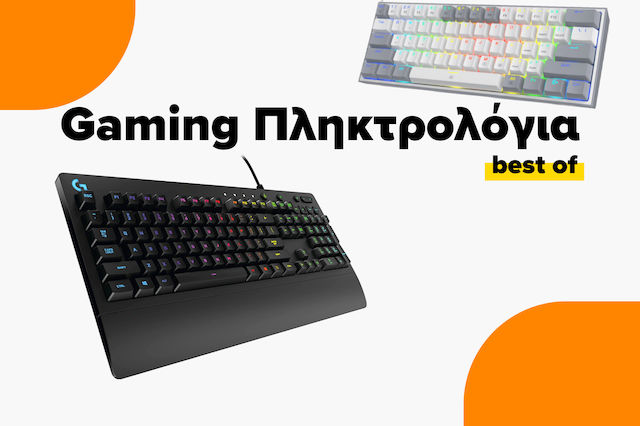
The best gaming keyboards on the market

Buying Guide for Gaming Mice
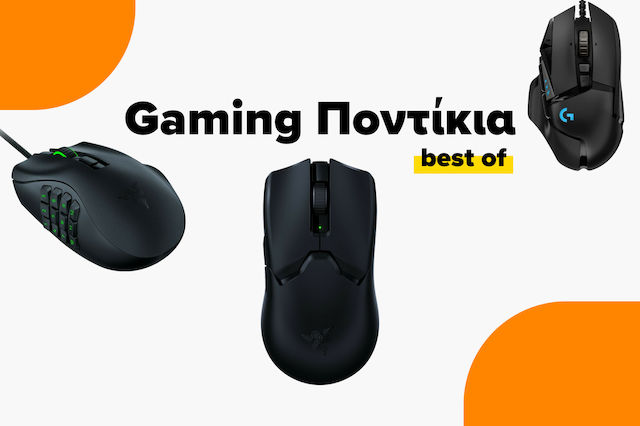
The best gaming mice on the market

Be the first to leave a comment!